Keep a dream journal
Write or dictate what you remember. Add an emotion, revisit saved entries and explore themes across earlier dreams.
A place for the dreams you remember
Capture a dream while the details are fresh. Look up its symbols, keep a personal journal and return to recurring themes. Add a fuller reading with optional AI analysis.
Free to download. In-app purchases for Premium and removing adverts.
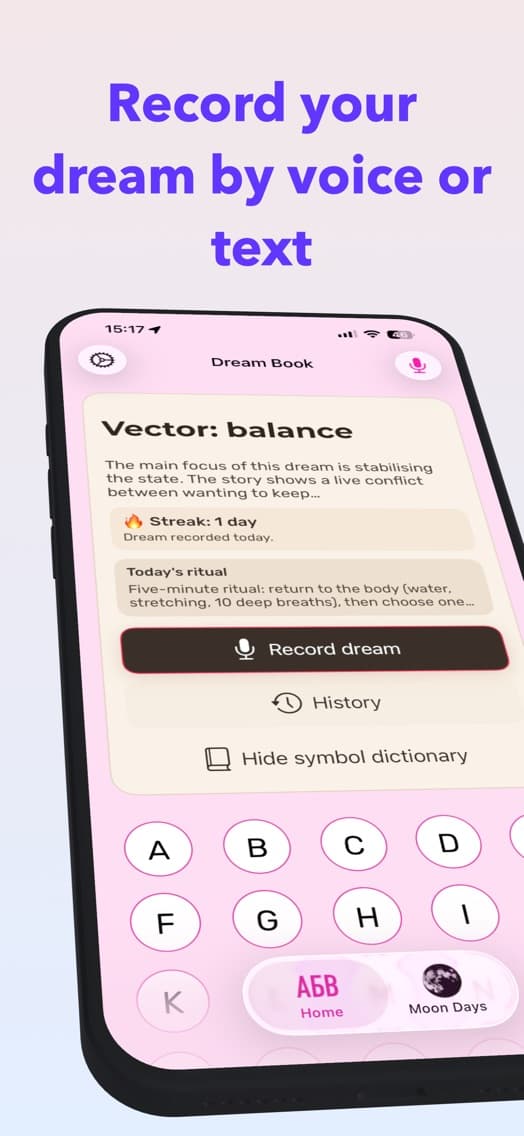
From a fragment to a fuller picture
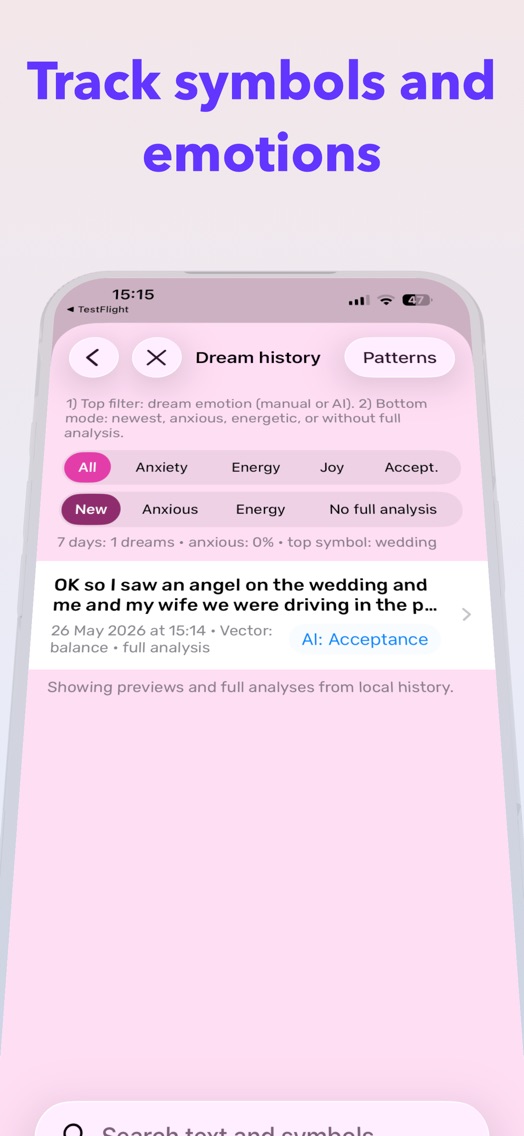
Write or dictate what you remember. Add an emotion, revisit saved entries and explore themes across earlier dreams.
Search the built-in dictionary in your chosen language. Read interpretations without requesting an AI analysis.
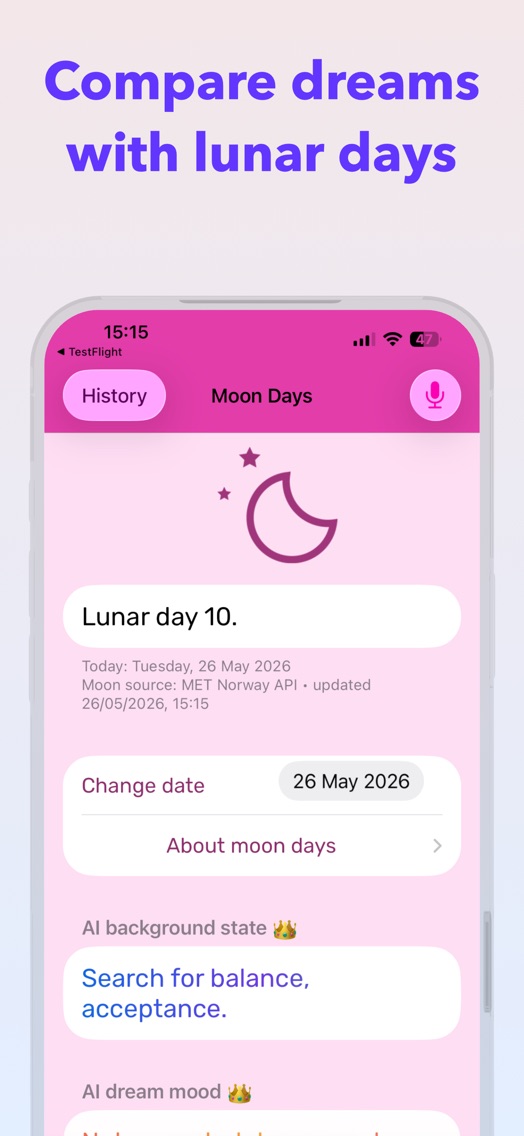
Explore the lunar day and its traditional interpretation alongside your own reflections on a dream.
Begin with what you remember
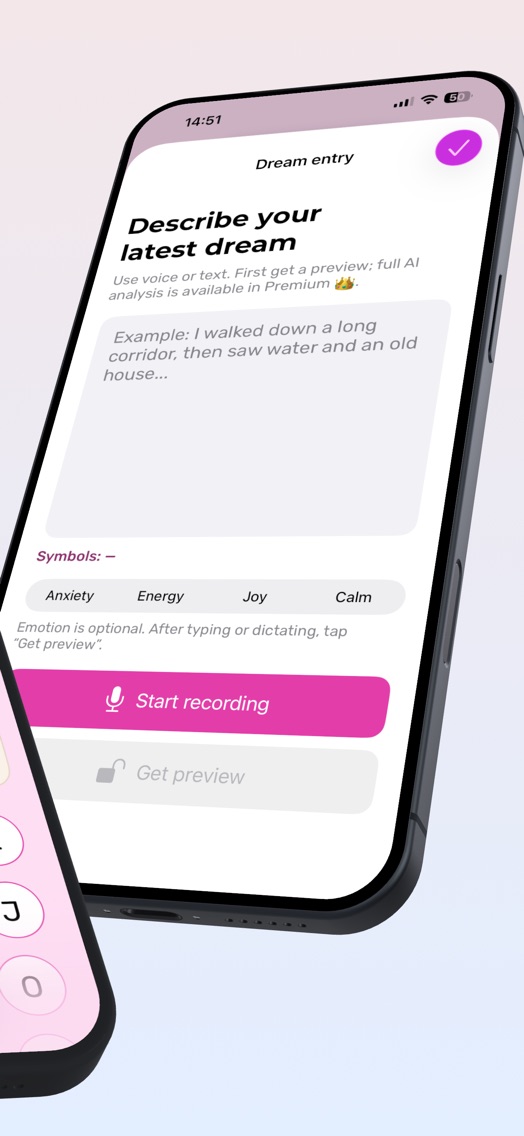
Open Record dream. Type or dictate the scene, people and feelings you remember.
Start with a preview or look up individual symbols. Premium opens the full analysis; server-based AI requires your permission.
Review earlier entries and interpretations in History. Notice which symbols and emotions keep appearing.
Choose what you share
The dictionary, journal, saved history and lunar calendar are available offline. Journal entries are stored on your device. Dictation depends on system speech recognition.
With permission, dream text, symbols, emotion, lunar context and language are sent for processing by OpenAI. Full analysis may include up to ten earlier entries. Apple Health sleep data and viewed dictionary words stay on your device.
Manage AI permission in the app settings. Read the privacy policy for more information.
Choose the features you use
A separate purchase for an experience without adverts. This purchase does not unlock full AI analysis.
For a fuller reading
Current prices and purchase terms appear in the app. Restore paid access with the same Apple Account. Manage subscriptions in Apple settings. Terms of use
Inside Sonnik
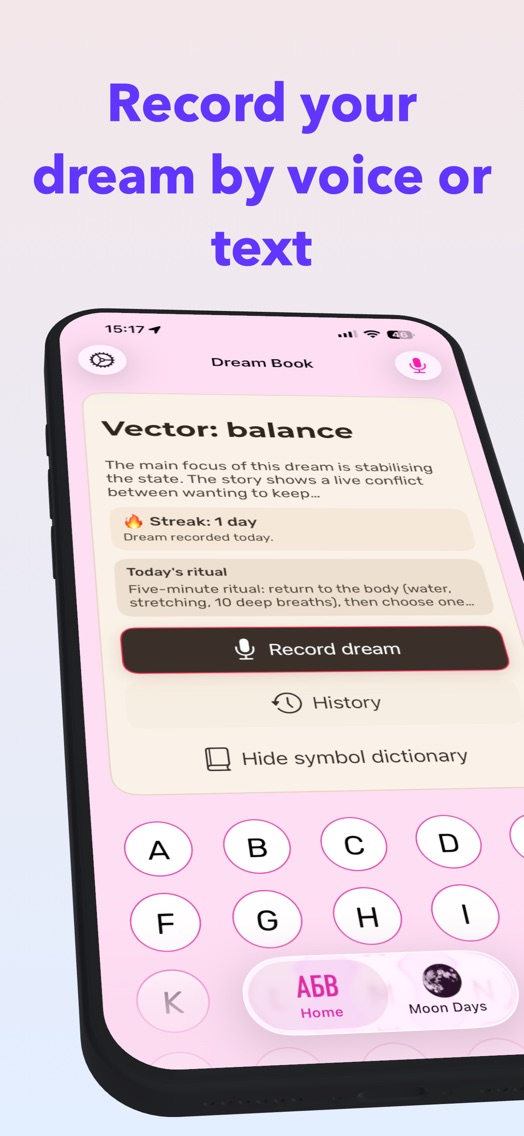
Nine English previews from the App Store. Scroll through the gallery and select an image to open it.
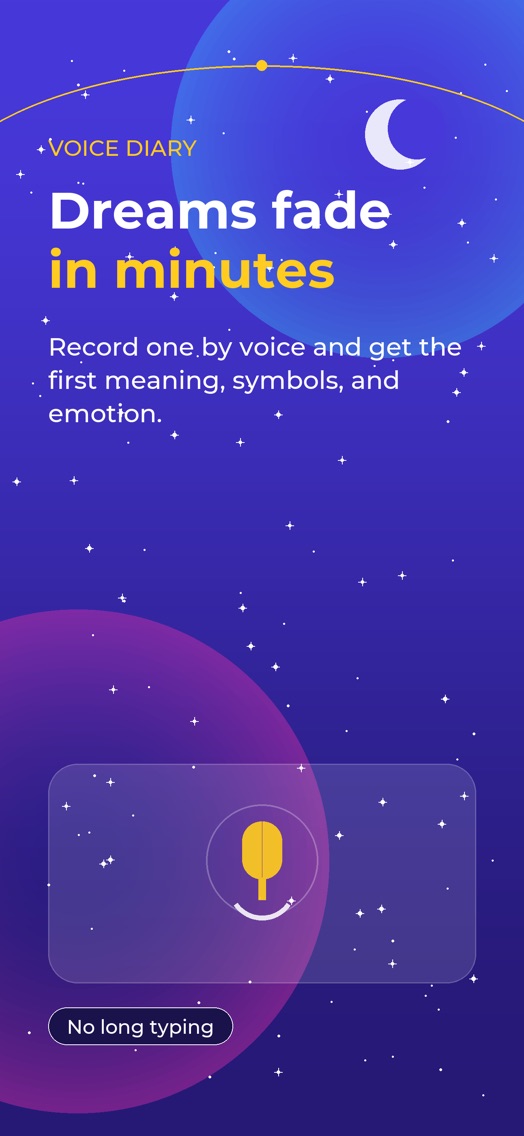
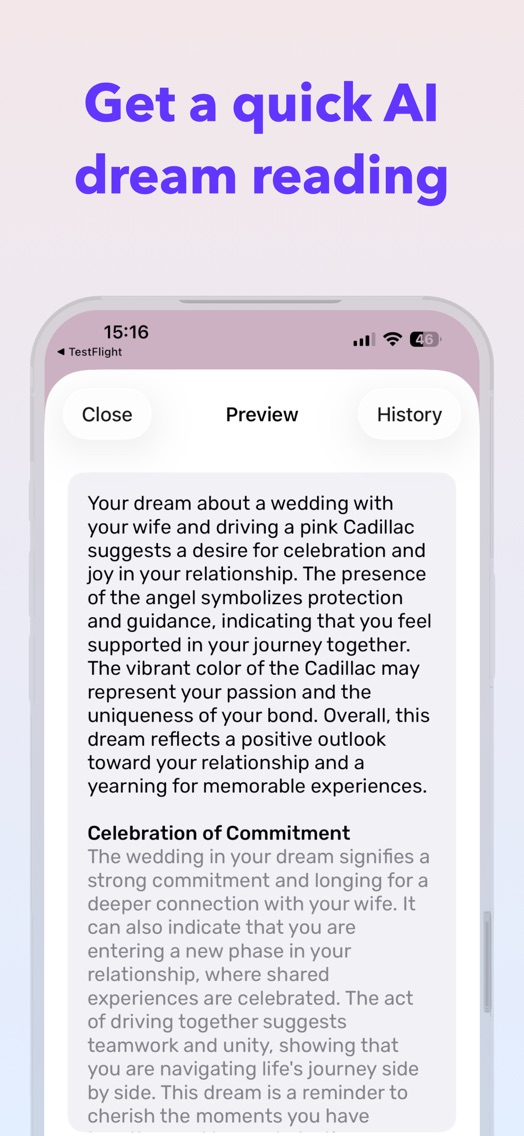
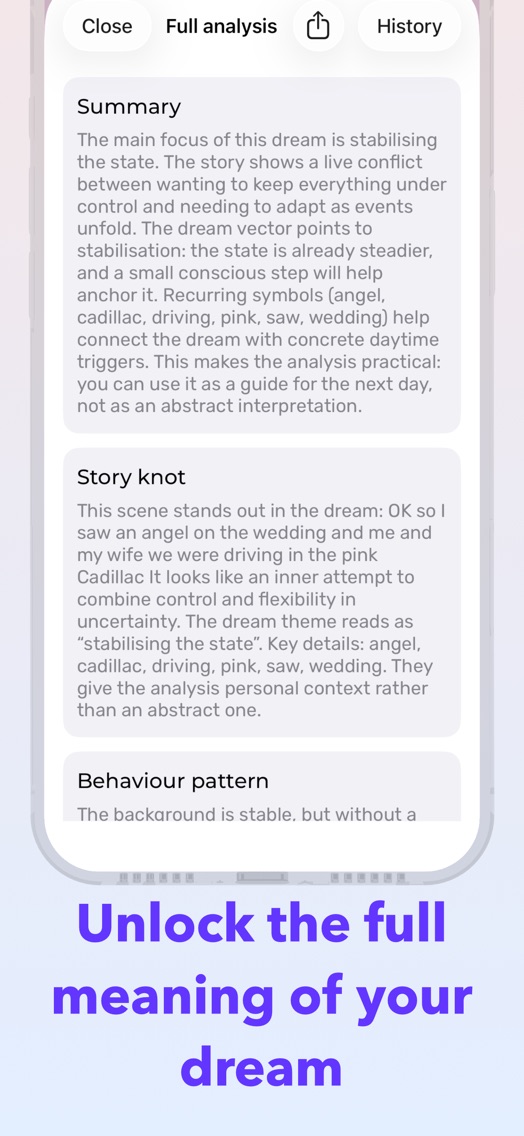
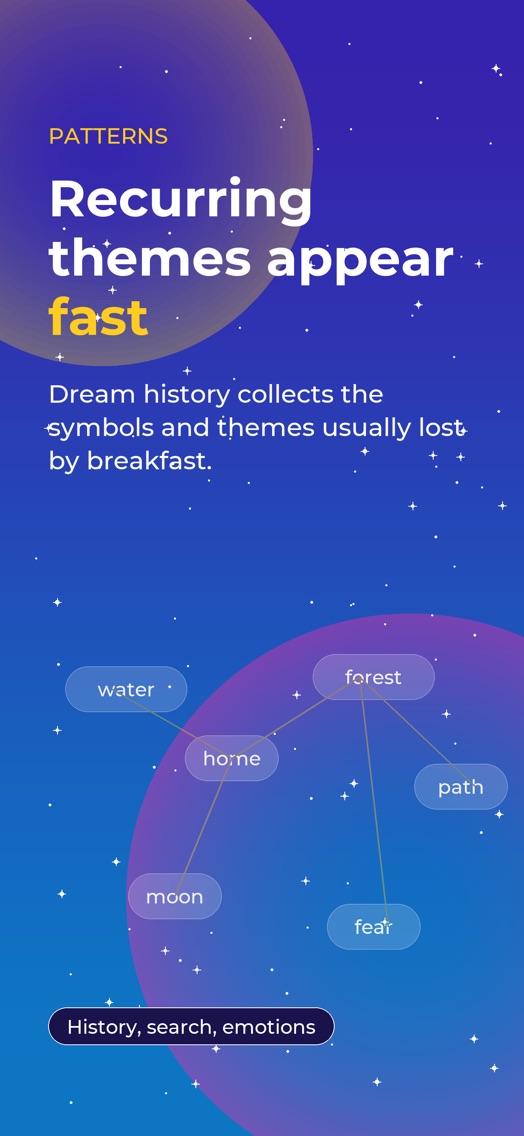
Help in your language
Sixteen answers in English, Russian, German and Spanish.
Contact supportTap Record dream on the Home screen. Type or dictate what you remember, optionally choose an emotion, then request a preview. The entry appears in History.
Open the dictionary on the Home screen and search for a word from your dream. Dictionary meanings work without AI. Search for symbols in the app language.
Open Settings → Language. Russian, English, German and Spanish are available. Your choice changes the interface and symbol dictionary.
Allow microphone and speech recognition access for the app in iPhone Settings. Check your internet connection and selected language. If recognition is unavailable, type the dream instead.
A preview gives an initial interpretation. A full analysis requires an active Premium subscription, opens additional sections and considers earlier entries. Server-based AI analysis needs permission to send data and an internet connection.
With your permission, dream text, symbols, selected emotion, lunar context and language are sent for processing by OpenAI. A full analysis also sends up to 10 earlier entries. Apple Health sleep data and viewed dictionary words remain on your device.
Yes. The dictionary, journal and lunar calendar work without sending dreams to OpenAI. Manage permission in Settings → Privacy → AI analysis. When sending is disabled, the app uses local analysis.
You can read the dictionary, record dreams, view saved history, the lunar calendar and this FAQ offline. Server-based AI analysis, purchases and purchase restoration need a connection. Dictation availability depends on system speech recognition.
Use the same Apple Account that made the purchase, connect to the internet and tap Settings → Restore purchase. Restoring does not create a new purchase.
On iPhone, open Settings → your name → Subscriptions → Sonnik and choose cancellation. Deleting the app does not cancel a subscription. Apple shows the remaining access period in Subscriptions.
The journal is stored locally on your device. Open History, swipe an entry left and choose delete. Purchase restoration restores paid access, not journal entries; do not rely on it to transfer your dreams.
With an active subscription, you can allow sleep data to be read from Apple Health for analysis context. Connect it in the app settings. These data are not sent in AI requests. Review access in the Health app.
Open Moon Days to see the date’s lunar context and traditional interpretation. Use it as extra context for your own reflections on a dream.
In Settings → Ritual reminders, turn on the switch and choose a time. Allow Sonnik notifications in iPhone Settings. If reminders do not appear, check Focus mode and notification delivery settings.
Check your connection, Premium status and AI permission in Settings. Try again later. If the service is unavailable, the app may show a local analysis. Contact support at kovallux.com/contact with your app version and the steps that led to the error.
The next dream is worth remembering
Download Sonnik for iPhone and iPad.