See what is coming
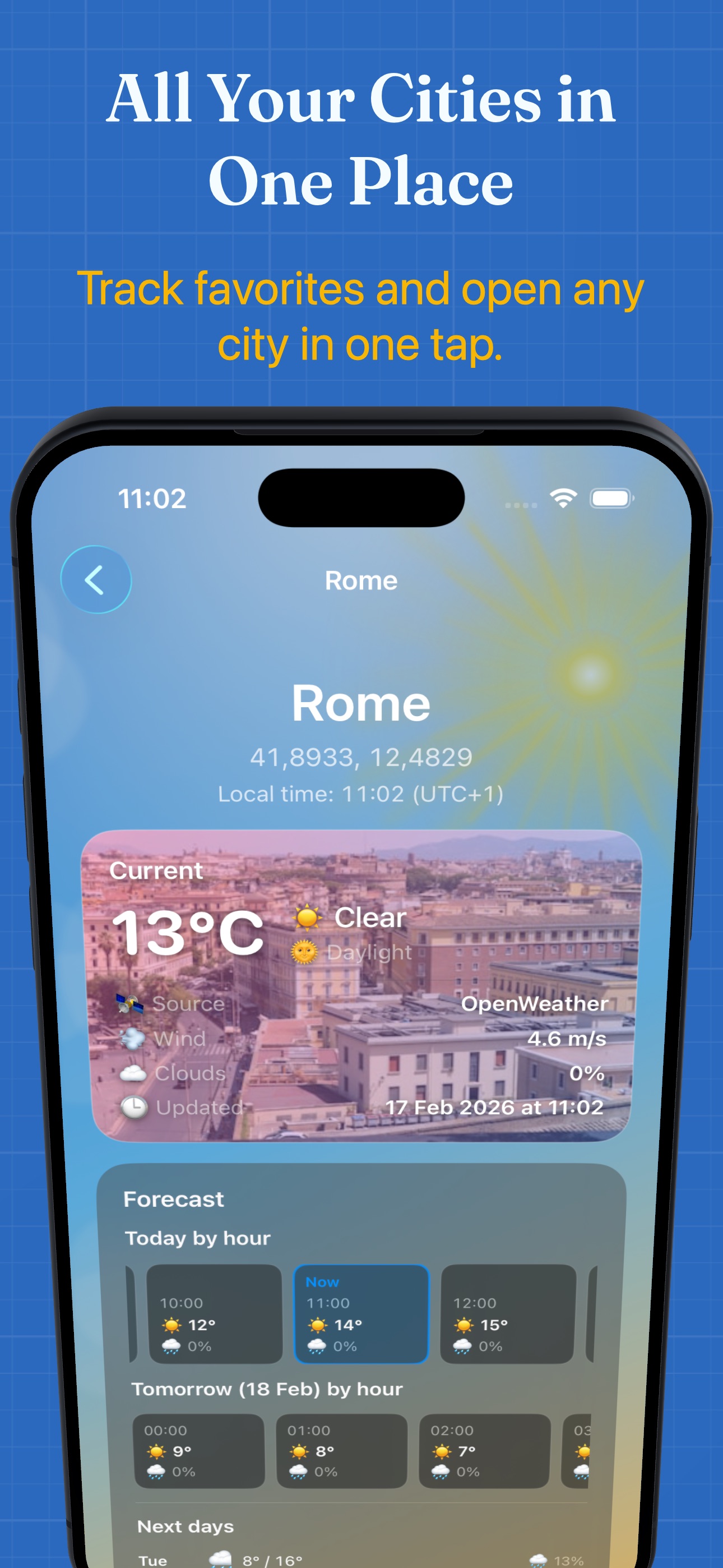
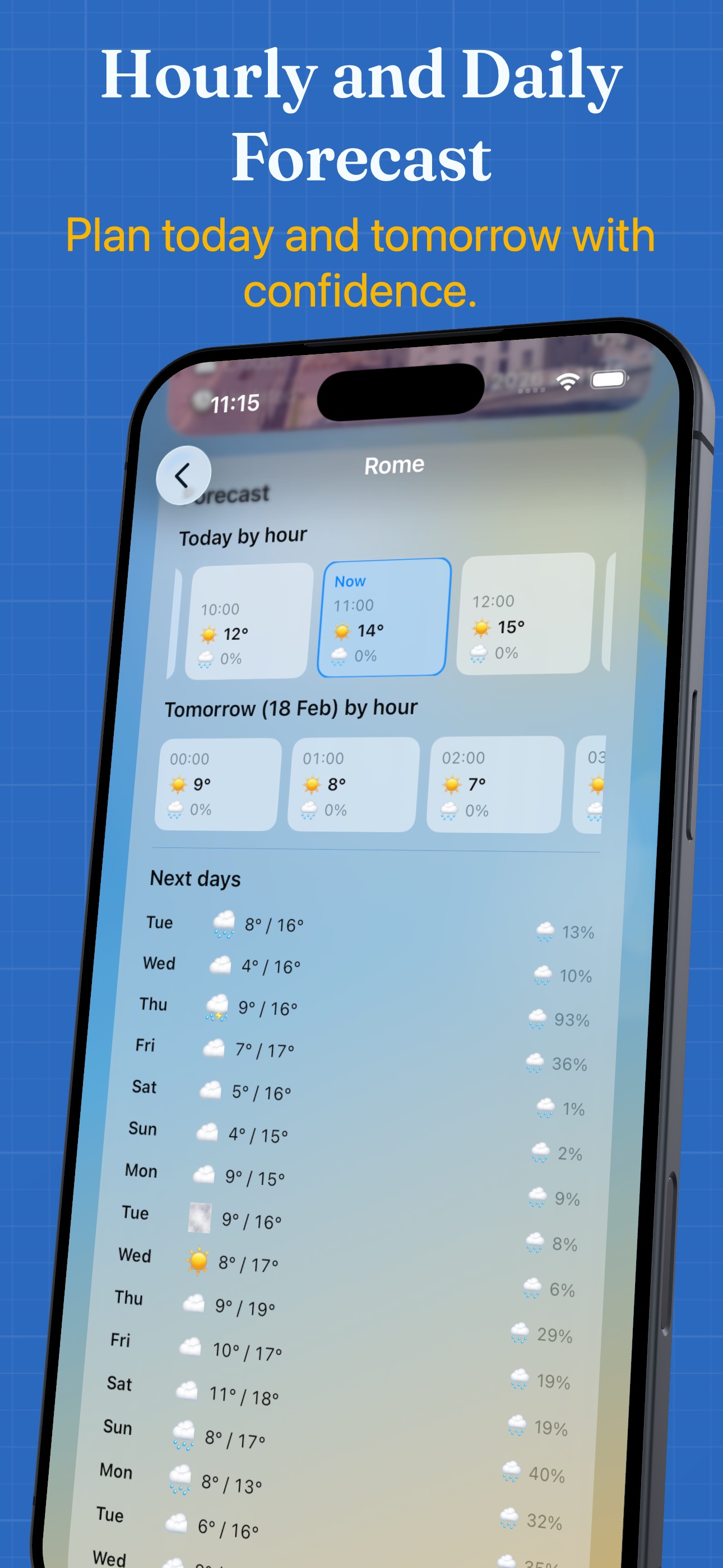
Current temperature, wind, precipitation and cloud cover, followed by hourly and daily forecasts. Check when your weather was last updated.
The weather where your day happens
Check conditions near you, follow the cities you care about and look ahead with hourly and daily forecasts. Keep the essentials close with Home Screen widgets and Apple Watch.
Free download with optional Premium purchases.
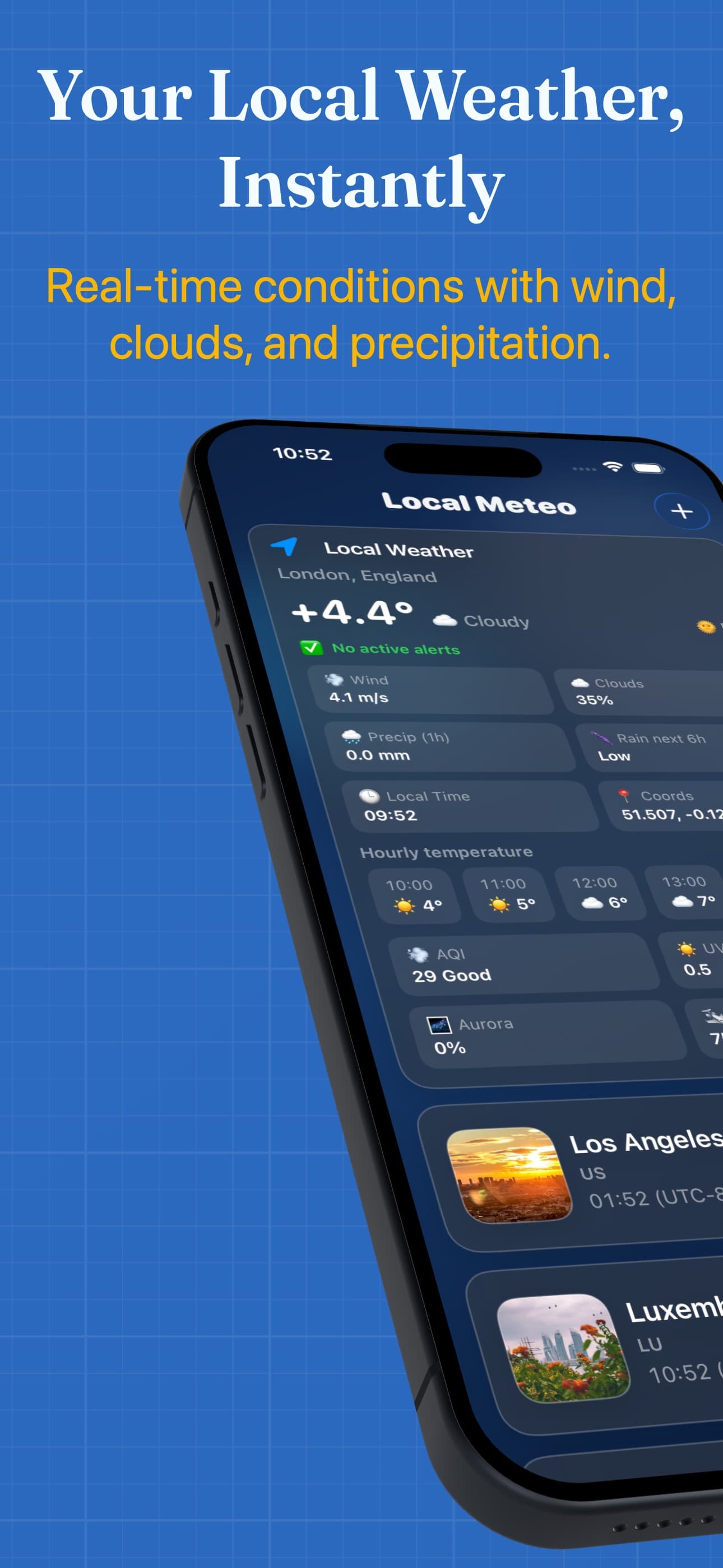
From a quick check to a closer look
Current temperature, wind, precipitation and cloud cover, followed by hourly and daily forecasts. Check when your weather was last updated.
Use your current location or search for a city. Open a saved city for its forecast and dynamic weather background.
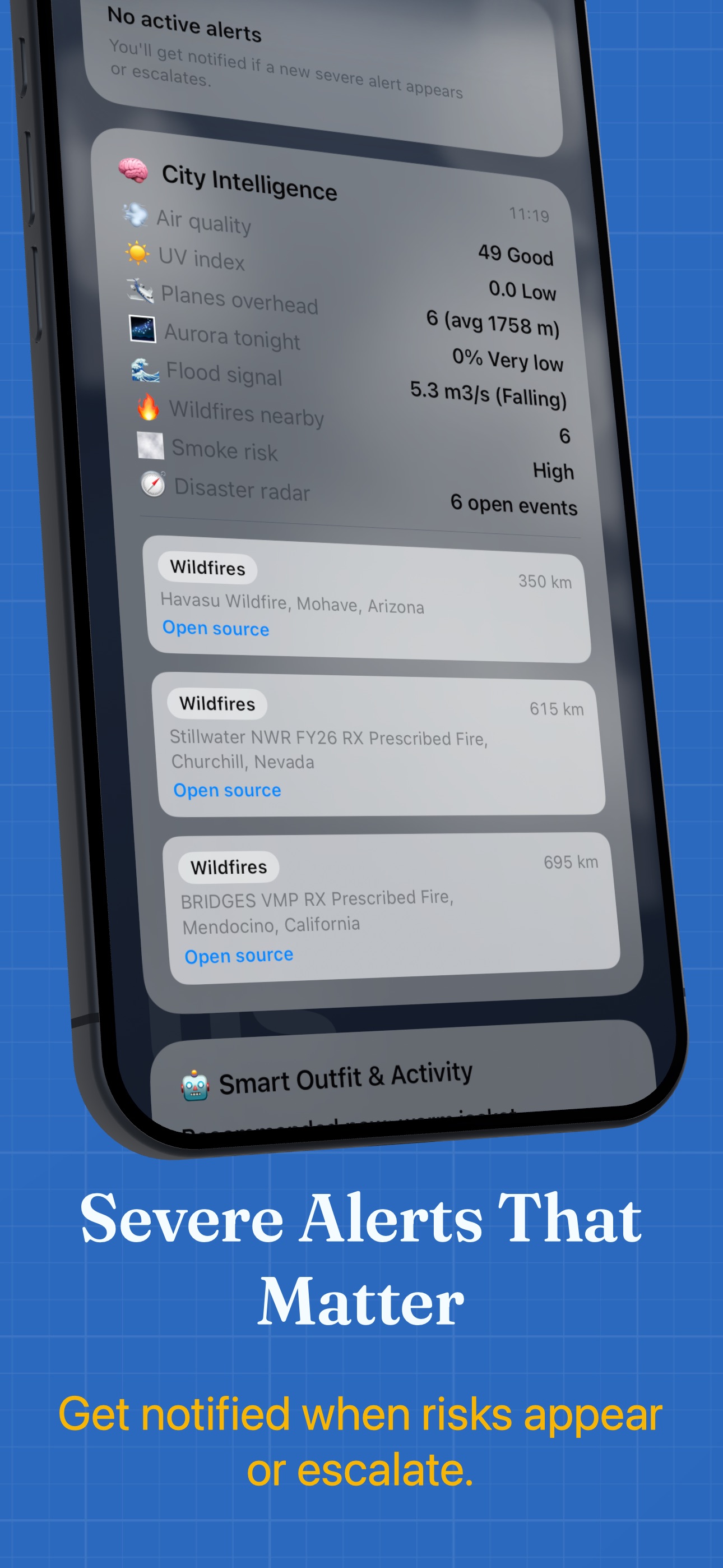
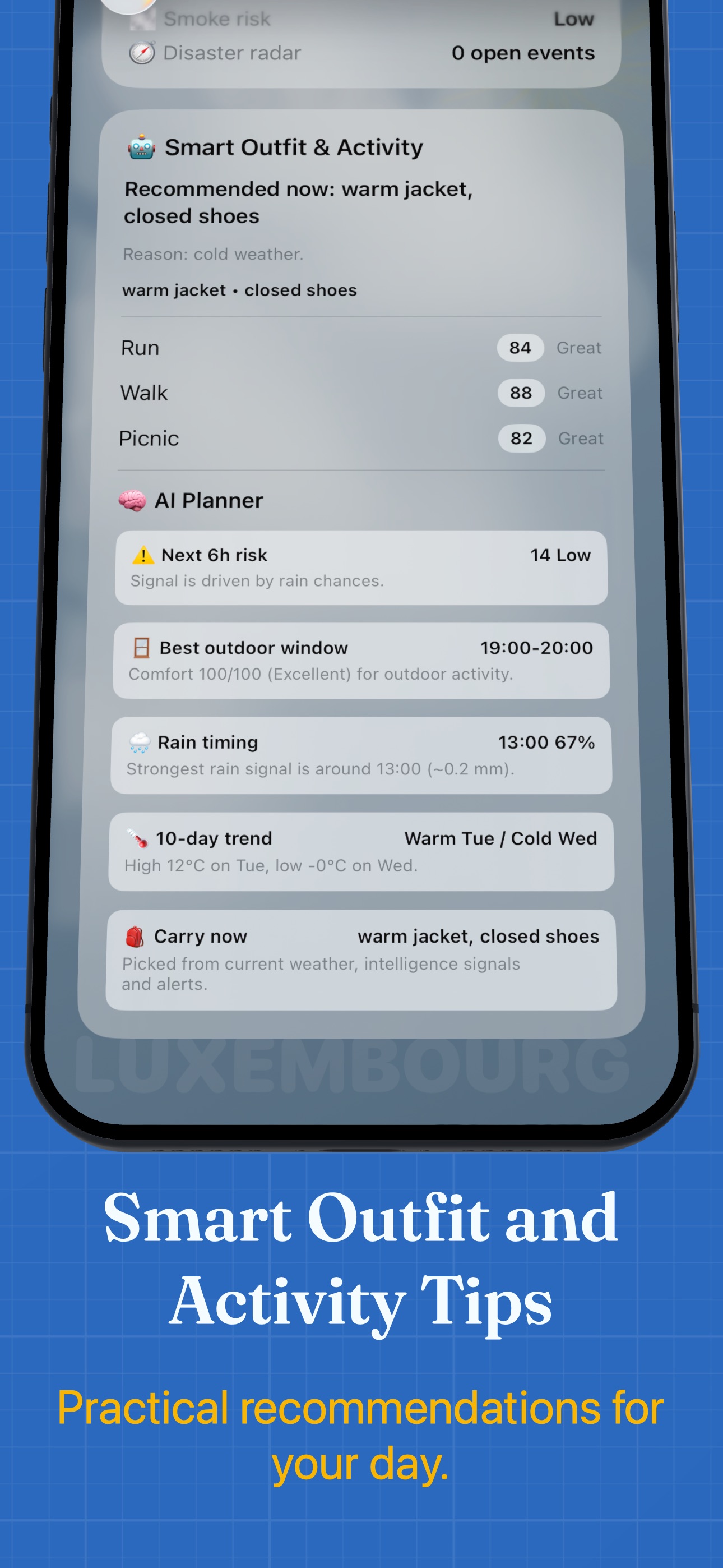
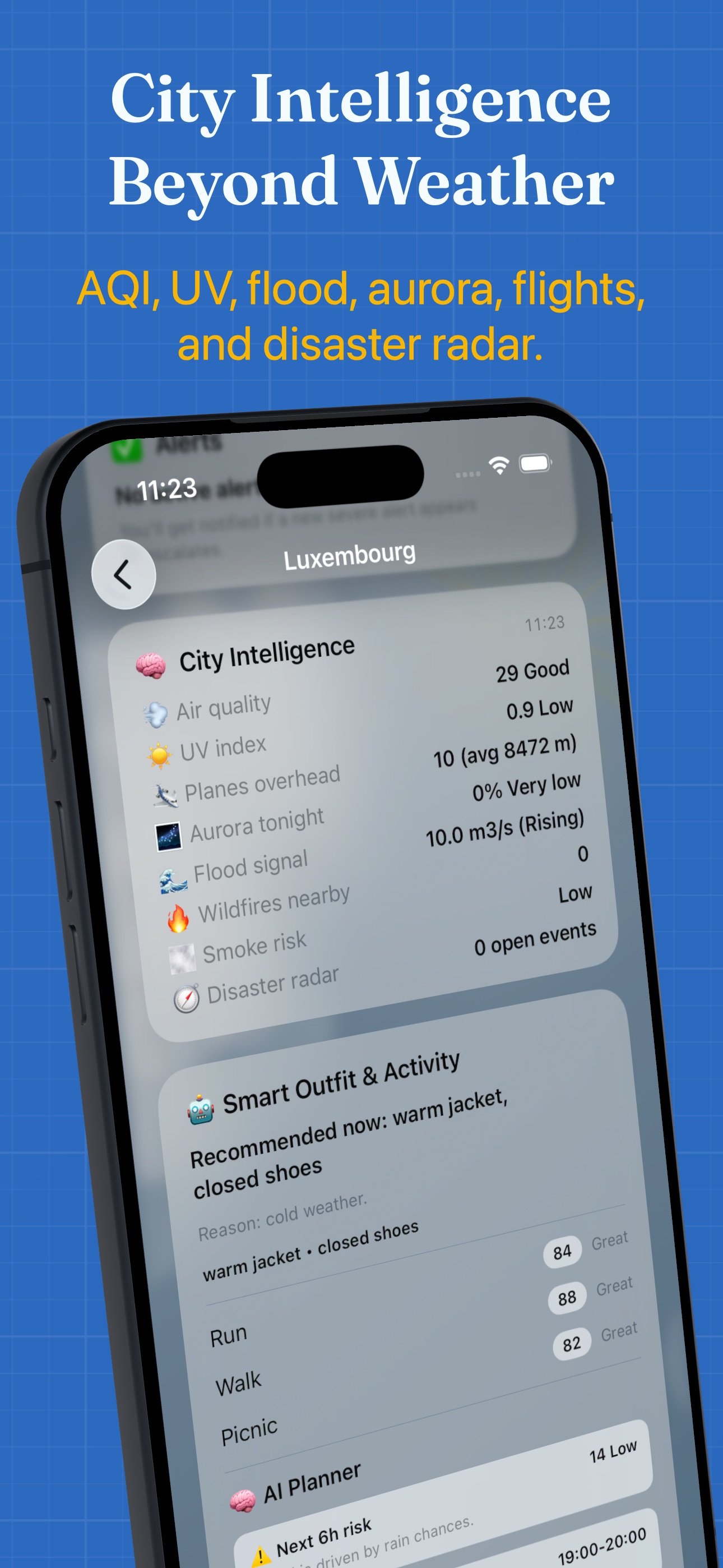
Unlock alert controls, morning summaries and City Intelligence, including air quality and UV. Coverage and available data vary by location.
Start with a place
Allow location access for nearby weather, or tap + to search for a city.
Open a city for current conditions and the hourly and daily outlook. Pull down on the city list to refresh.
Add a Home Screen widget. Premium lets you select which saved city it shows and enable weather notifications.
Choose what you need
Check local weather, read forecasts and keep one saved city in the current app.
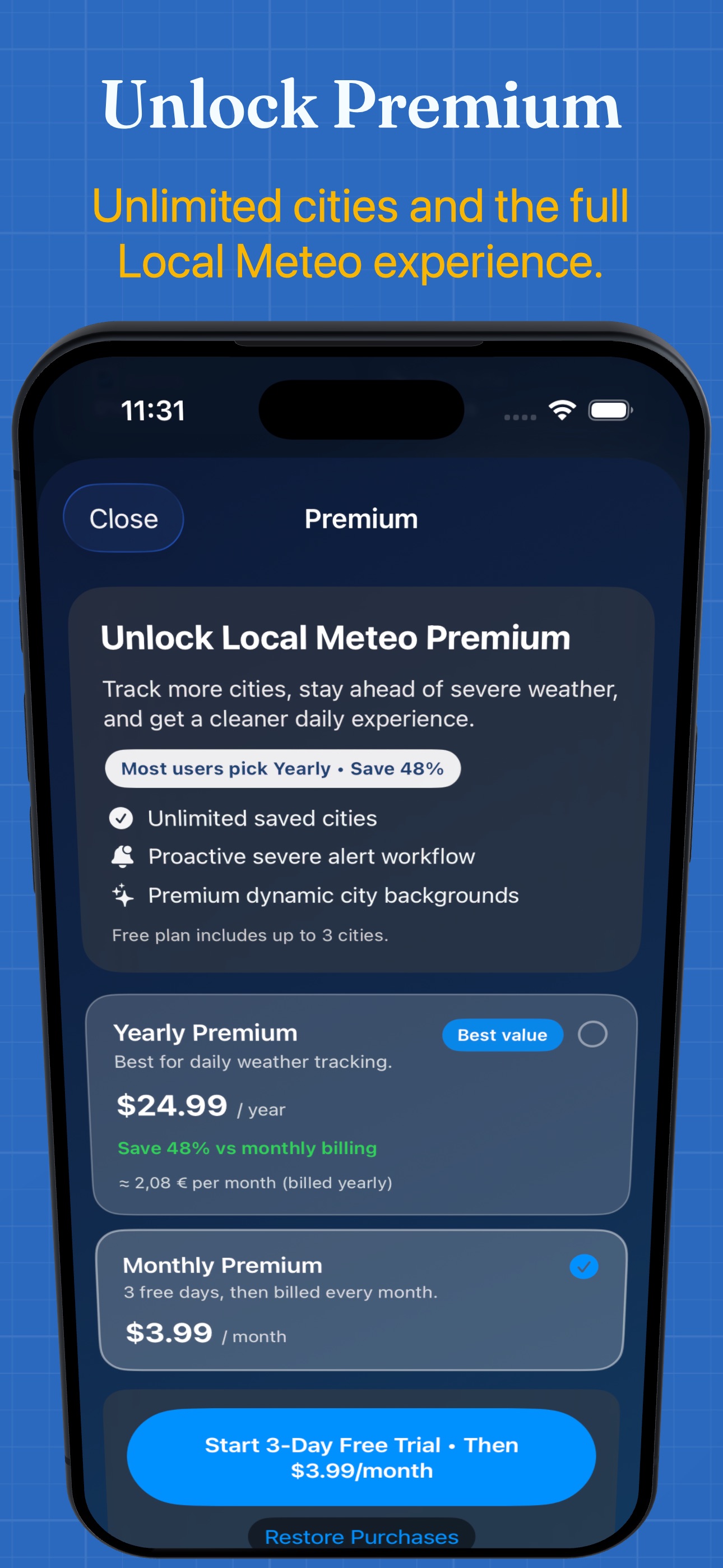
Unlimited saved cities, alert controls, morning summaries, City Intelligence and widget city selection. Choose from the plans available in the app.
Prices and terms appear before purchase. Restore Purchases is on the Premium screen. Manage subscriptions through your Apple Account.
Inside Local Meteo
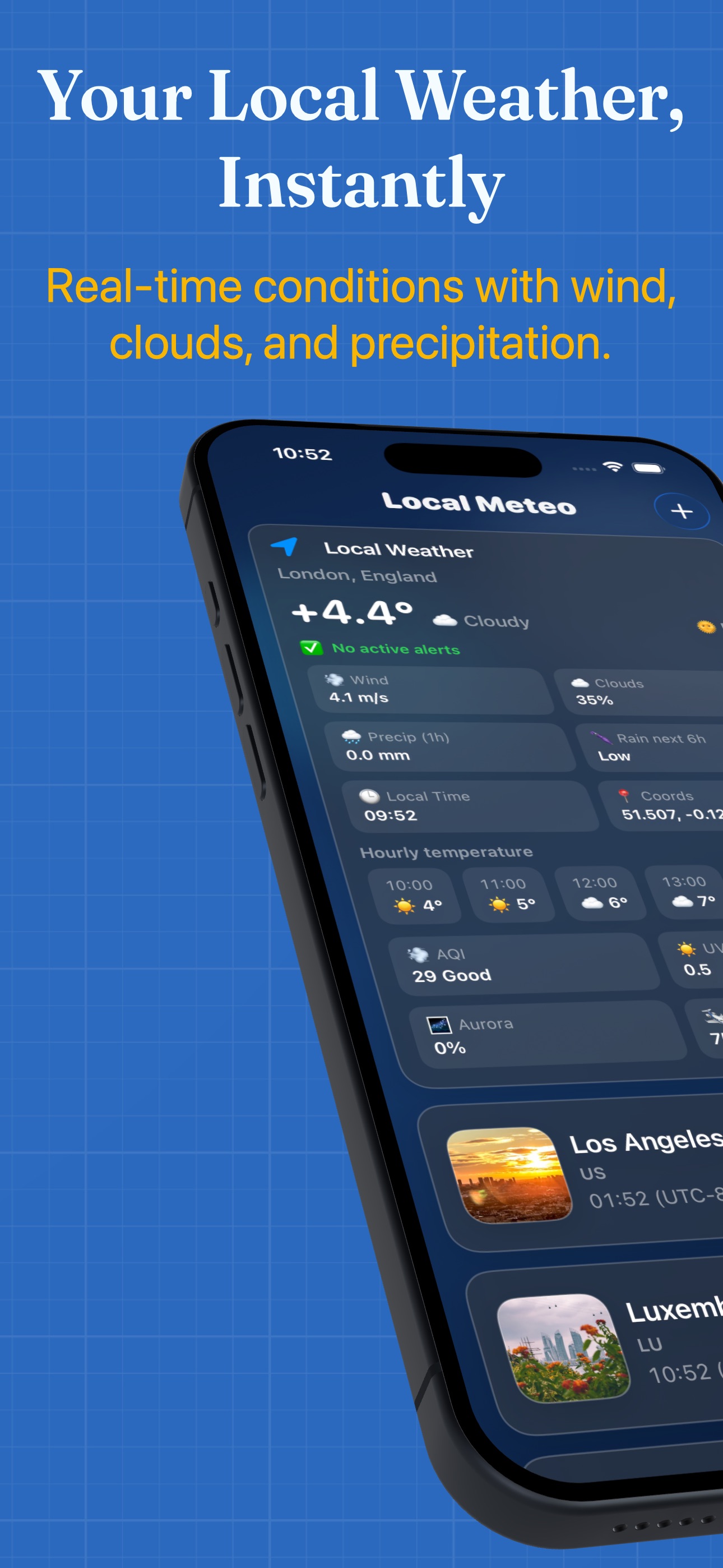
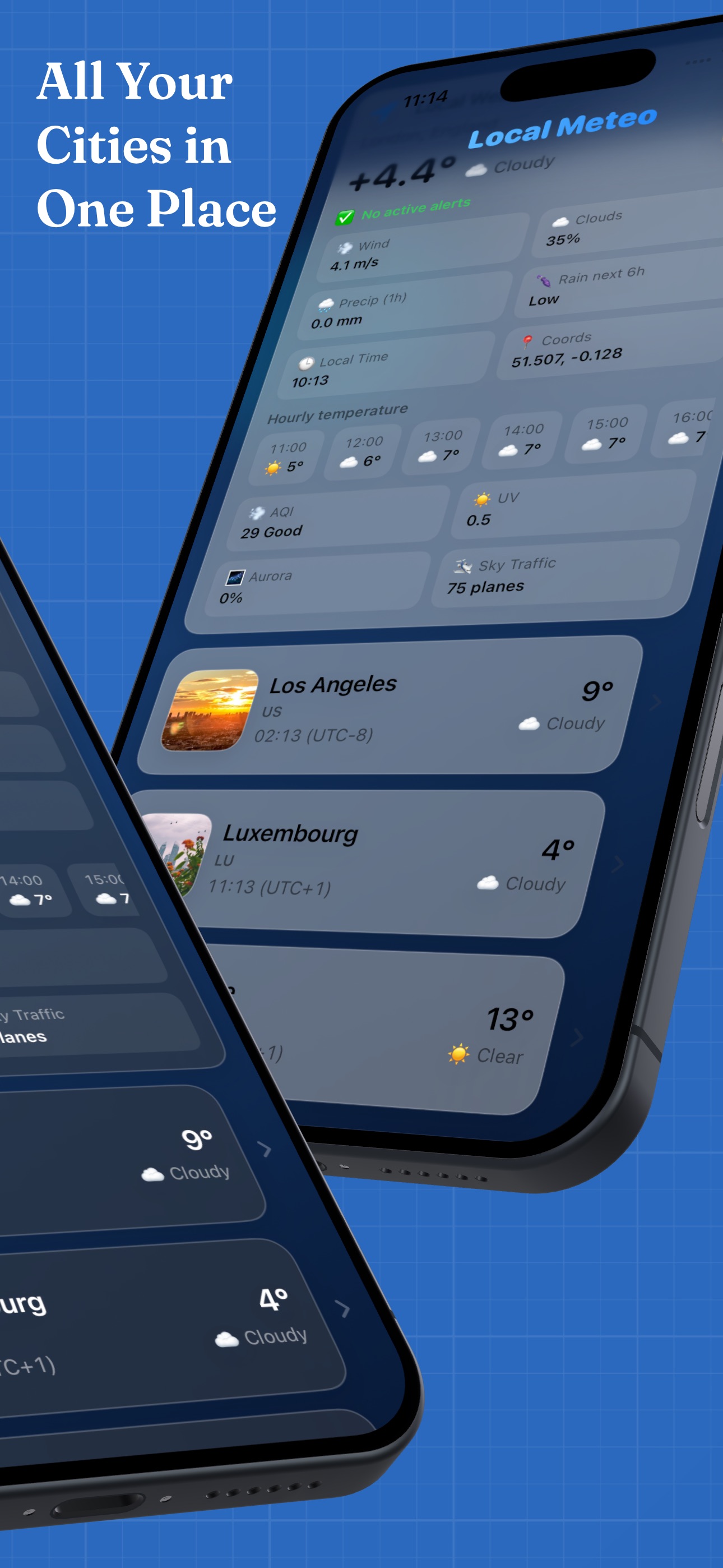
Ten current iPhone screenshots from the English App Store listing. Scroll through the gallery and select an image to open it.

Help with your daily forecast
These answers are also included in the app’s offline help, opened with the question mark on the main screen.
Contact supportLocal Meteo uses Apple WeatherKit for current conditions, with OpenWeather as a fallback. Forecasts and additional insights use their own data sources, so values can differ between cards.
Allow location access in iPhone or iPad Settings > Local Meteo > Location. You can also tap + and search for a city without using your location.
Tap + on the main screen, search for a city and select a result. Swipe a saved city to reveal its delete action. Open a city to see its detailed forecast.
Pull down on the city list to request an update. Check the last update time when reading saved weather. An internet connection is needed to fetch new conditions and forecasts.
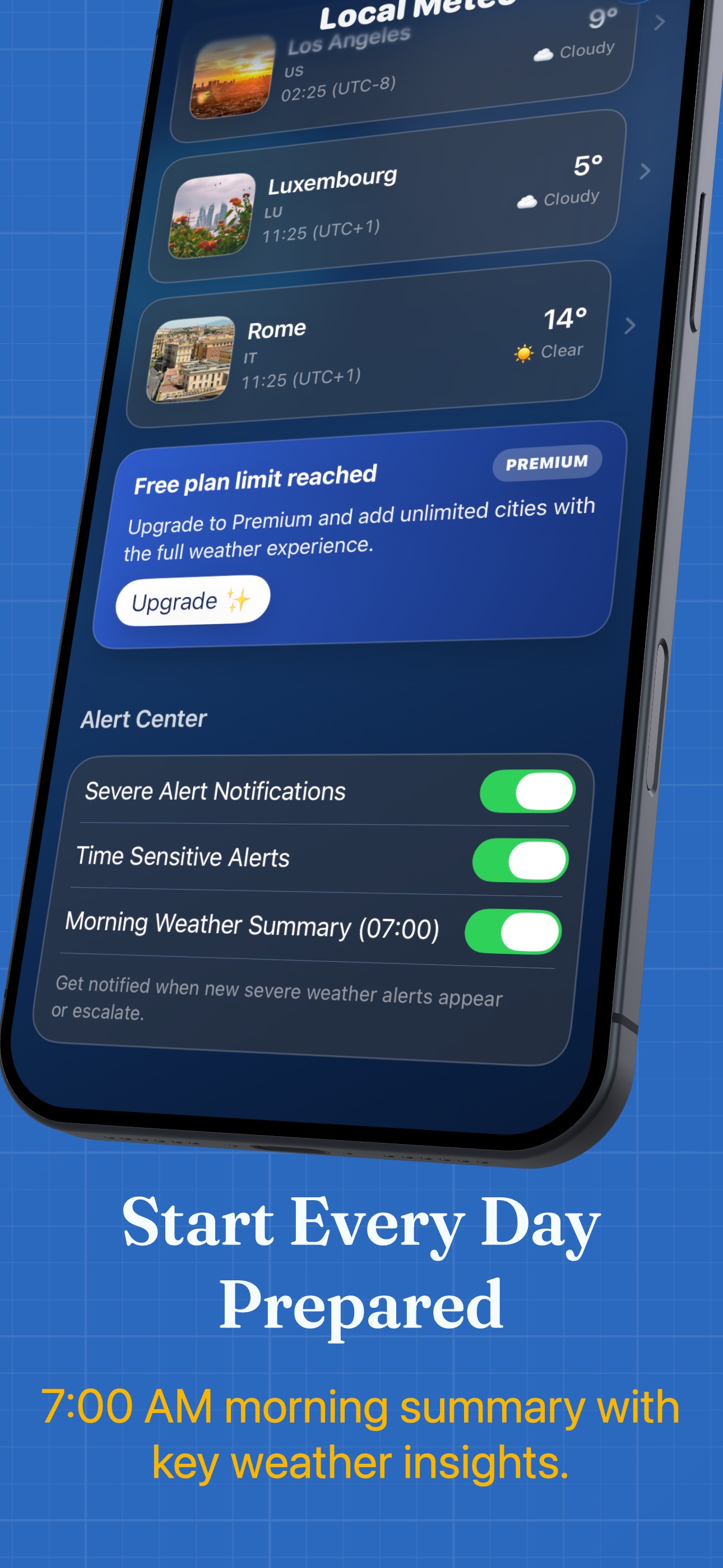
Alert controls are in Alert Center on the main screen and require Premium. Enable the alert switches and allow notifications in system Settings. Alerts depend on regional data coverage and background updates; delivery can be delayed.
Enable Morning Weather Summary in Alert Center with Premium. The summary is scheduled for 07:00 in your device’s local time and uses your last known location. Open the app with location access to refresh its weather data.
AQI, UV, flood signals, aurora, overhead aircraft and nearby events depend on source availability and coverage. Missing data does not mean a value of zero. These additional insights require Premium.
With Premium, swipe or press and hold a saved city and choose Show in Widget. Add a Local Meteo widget from your Home Screen widget gallery. Widget updates are scheduled by the system and may appear later than updates in the app.
Open the Premium purchase screen and tap Restore Purchases. Use the Apple Account that made the purchase and connect to the internet. If access is still missing, contact support with the app version and purchase details.
Open system Settings > your name > Subscriptions > Local Meteo and manage your plan there. Deleting the app does not cancel a subscription. A lifetime purchase has no recurring renewal.
Before you head out
For iPhone and iPad with iOS 17 or later.
 (opens in a new tab)