
Prepare a clear invoice
Add line items, quantities, dates, tax or VAT, discounts and payment terms. Reuse saved business, client and bank details.

For freelancers and small businesses
Create an invoice, send the PDF and keep the supporting documents together. Save business, client and bank details for your next job.
What you can do
Add line items, quantities, dates, tax or VAT, discounts and payment terms. Reuse saved business, client and bank details.
Track draft, sent, part-paid, paid and overdue invoices. Preview the finished invoice and share or email the PDF.
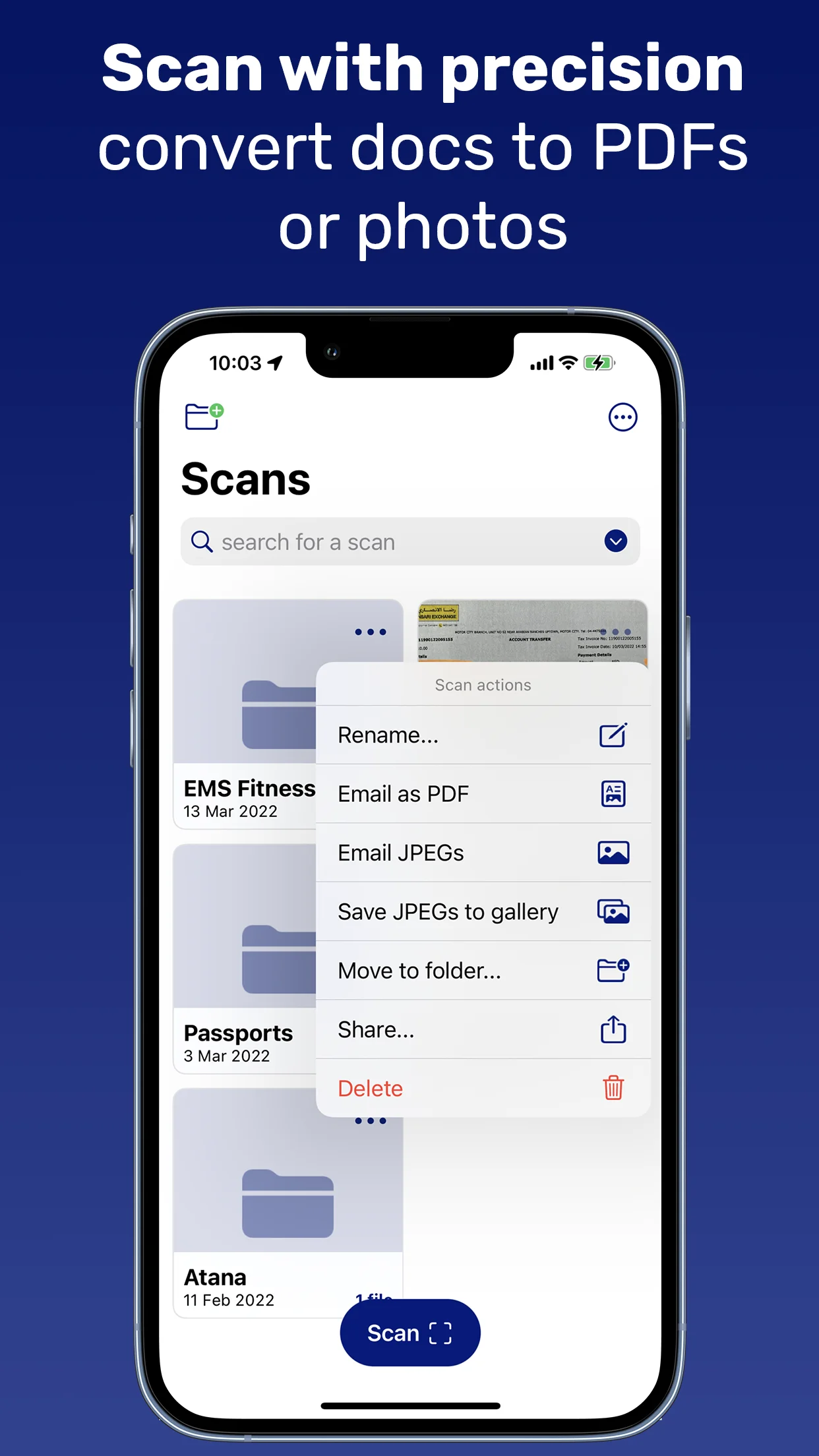
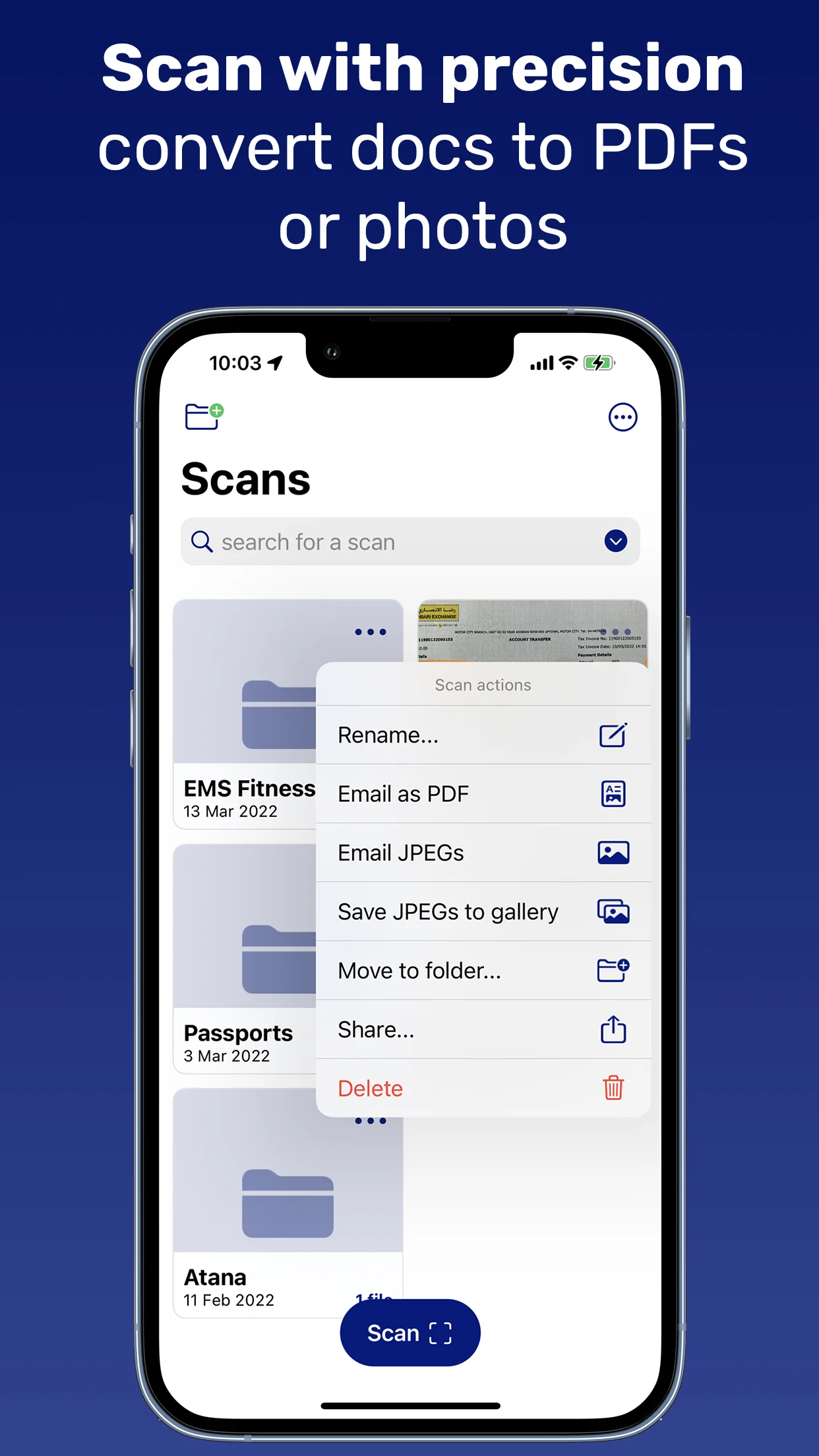
Scan receipts and contracts or import PDFs and images. Organise documents in folders, use Face ID and sync with iCloud.
Getting started
Add your business, client and payment information.
Enter the work, quantities, dates and any tax or discount. Review the total in the preview.
Share the PDF, update its payment status and keep the related receipts in the app.
Inside the app
From the English App Store listing, checked on 29 October 2026. Select an image to open it.
Practical answers
Need help with Invoice Maker: PDF & Scan? Include the app name and your device when contacting us.
Contact supportYes. Preview the invoice, then share it as a PDF or send it by email with the PDF attached.
Yes. Invoices support tax or VAT, discounts, payment terms and amounts already paid. Check the figures in the preview before sending.
Yes. Save multiple business entities, clients and bank accounts. Payment details can include US bank information or IBAN and SWIFT.
Use the invoice statuses: draft, sent, part-paid, paid and overdue. The dashboard shows invoice totals and status.
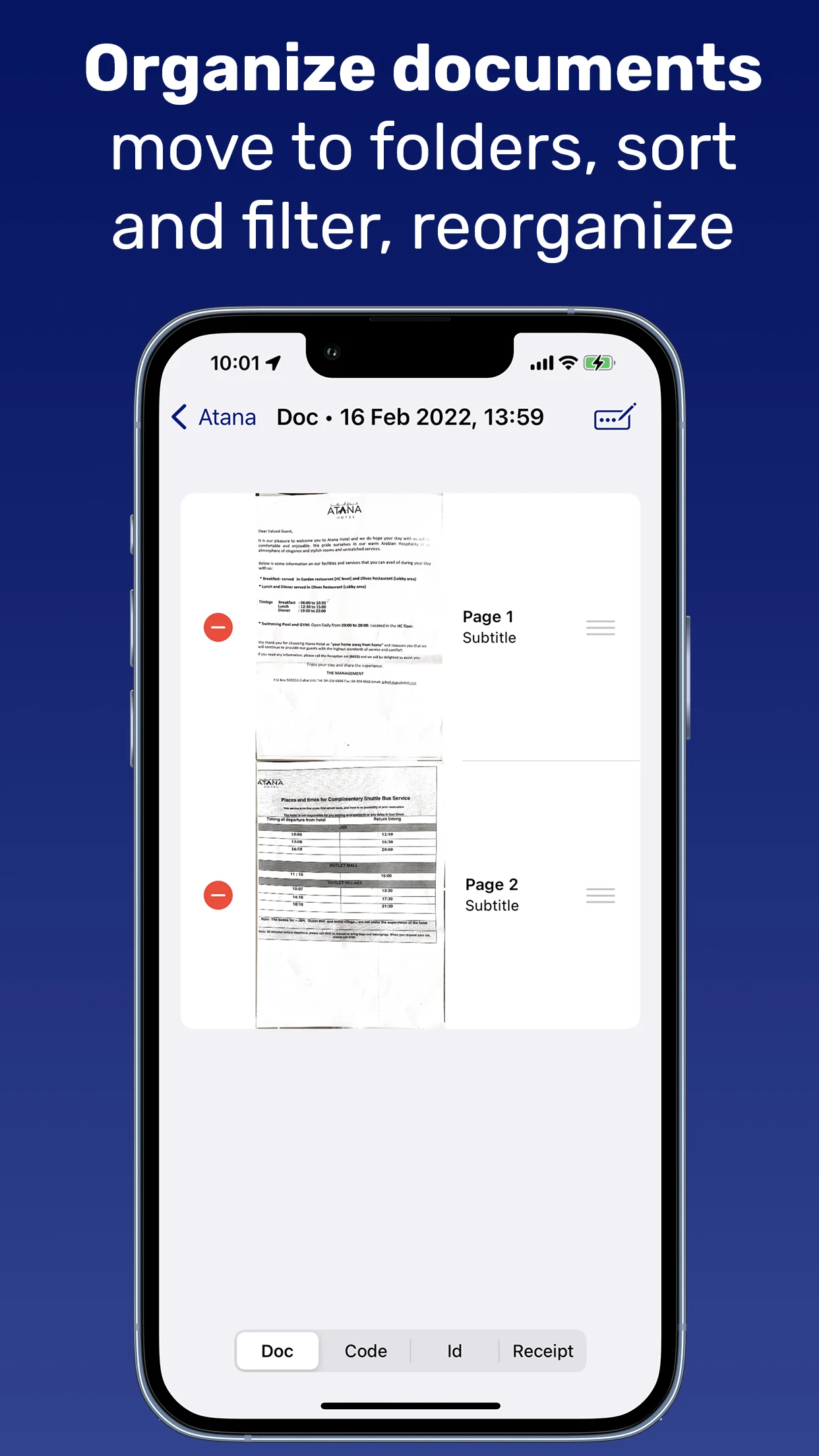
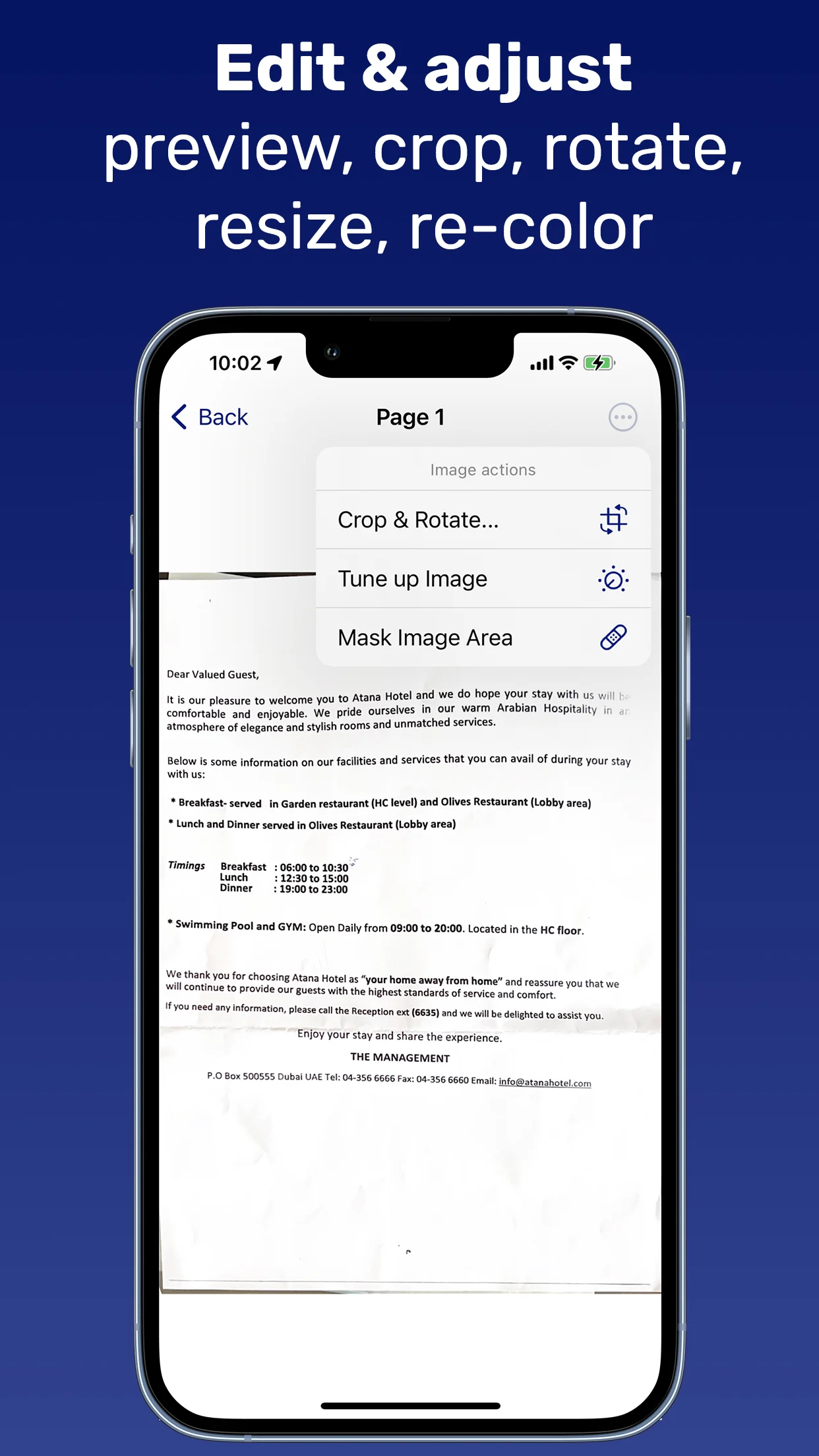
Yes. Scan with the camera or import images and PDFs from Photos or Files. Reorder pages, crop and rotate images, and organise documents in folders.
Yes. The app supports iCloud backup and synchronisation for scans and invoices. Face ID can protect access to the app.
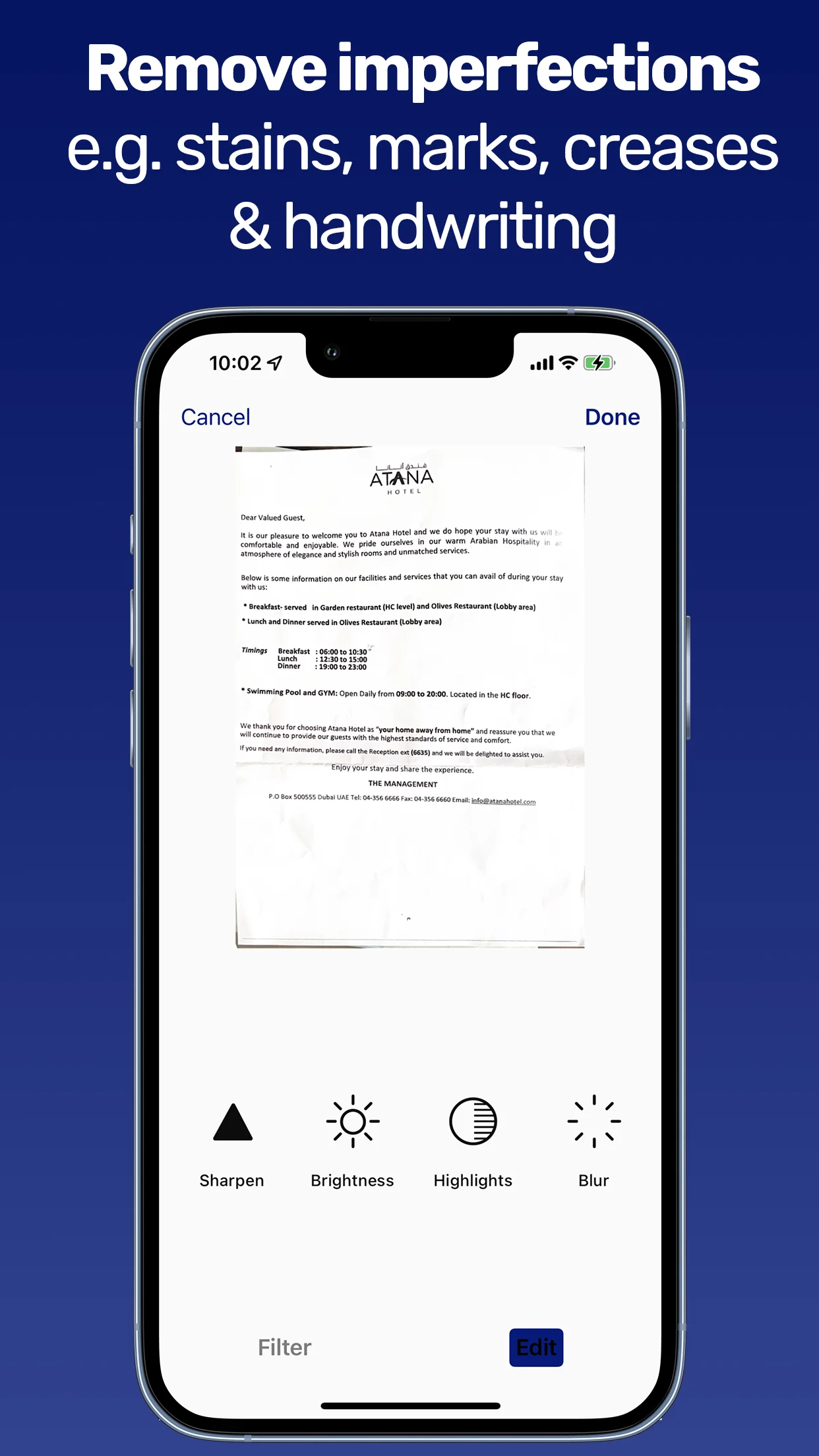
Premium adds OCR text recognition, search inside recognised text, QR and barcode recognition, password-protected PDFs, advanced image editing and unlimited access to premium invoice and sharing tools.
Premium is offered through monthly or annual subscriptions or a one-time purchase. The app shows current prices and trial availability before purchase. Manage subscriptions in your Apple Account settings.
Ready when you are
iOS 17 or later