

Compare at a glance
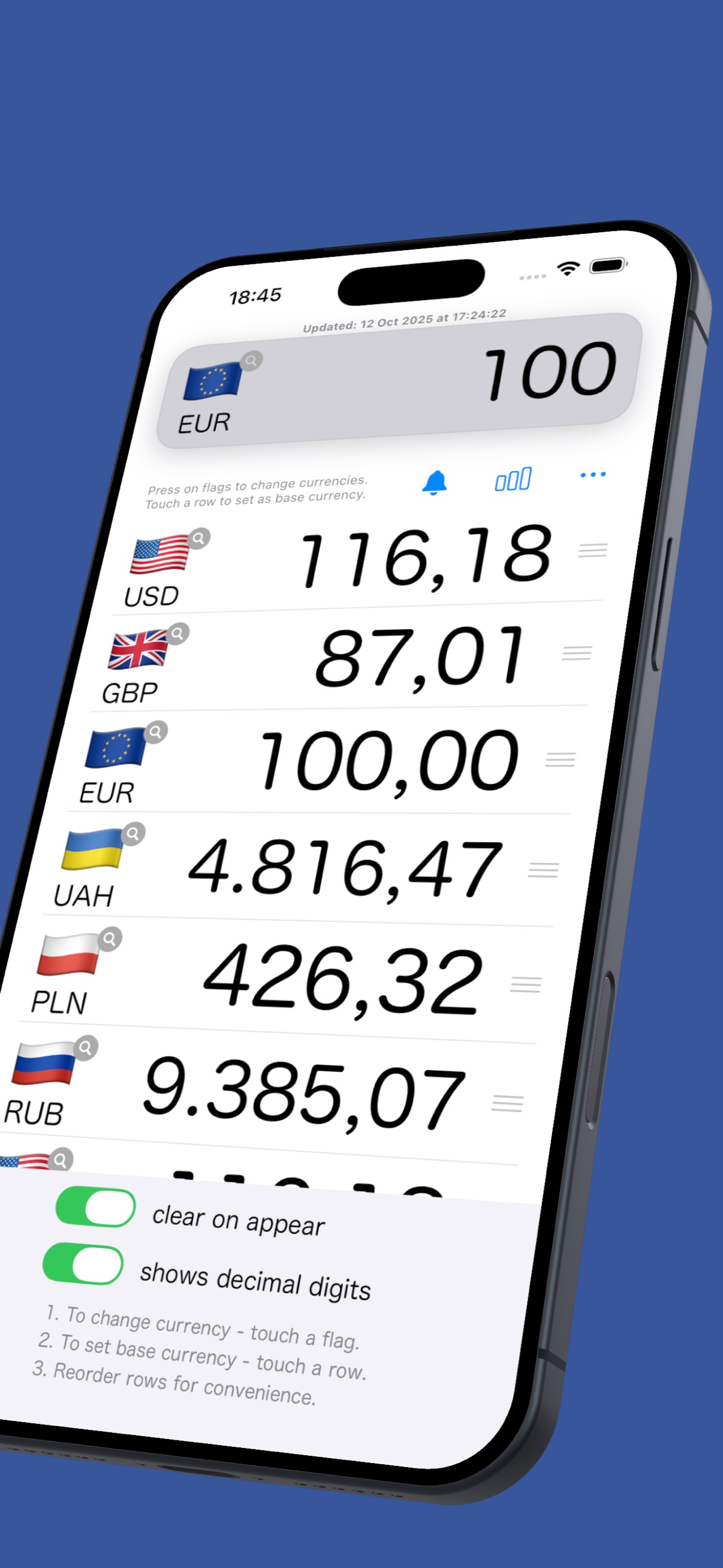
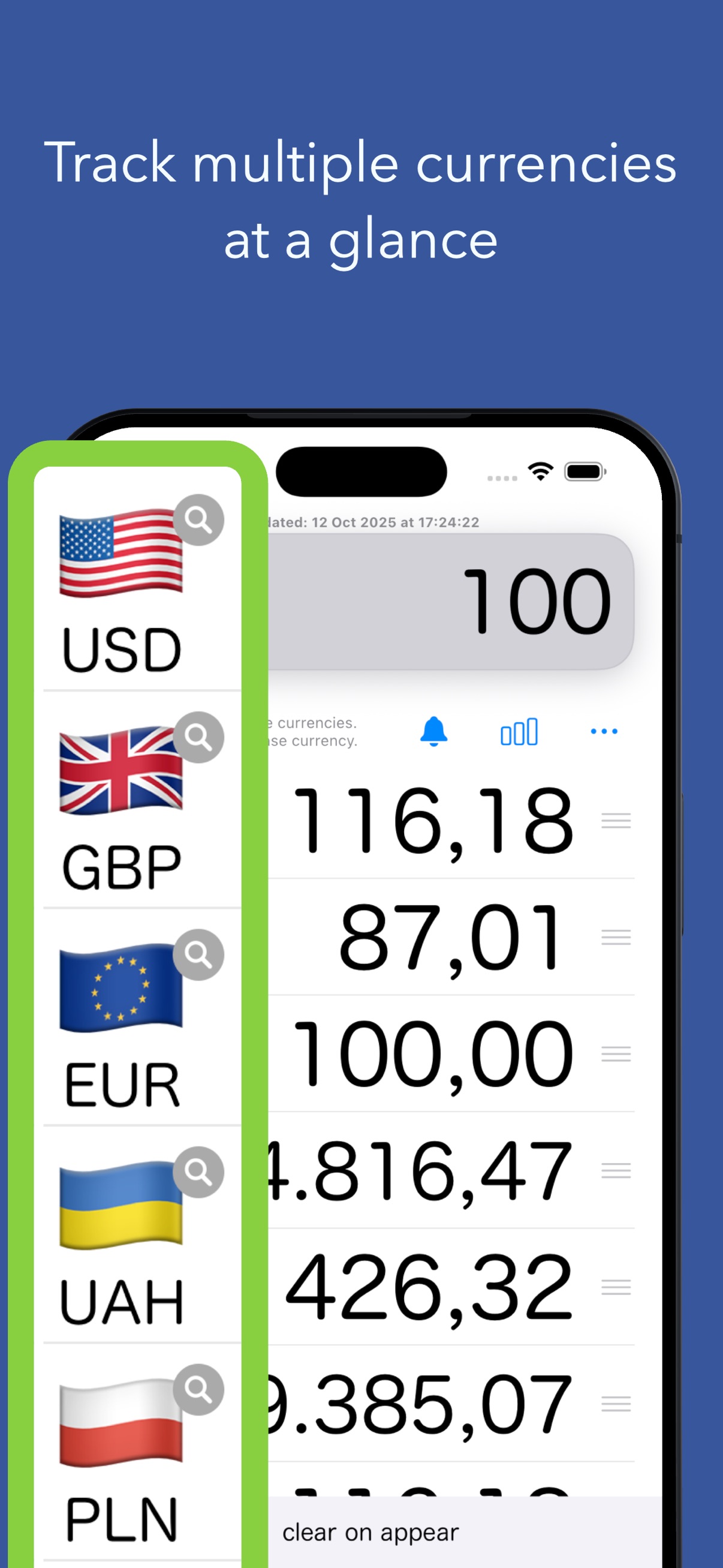
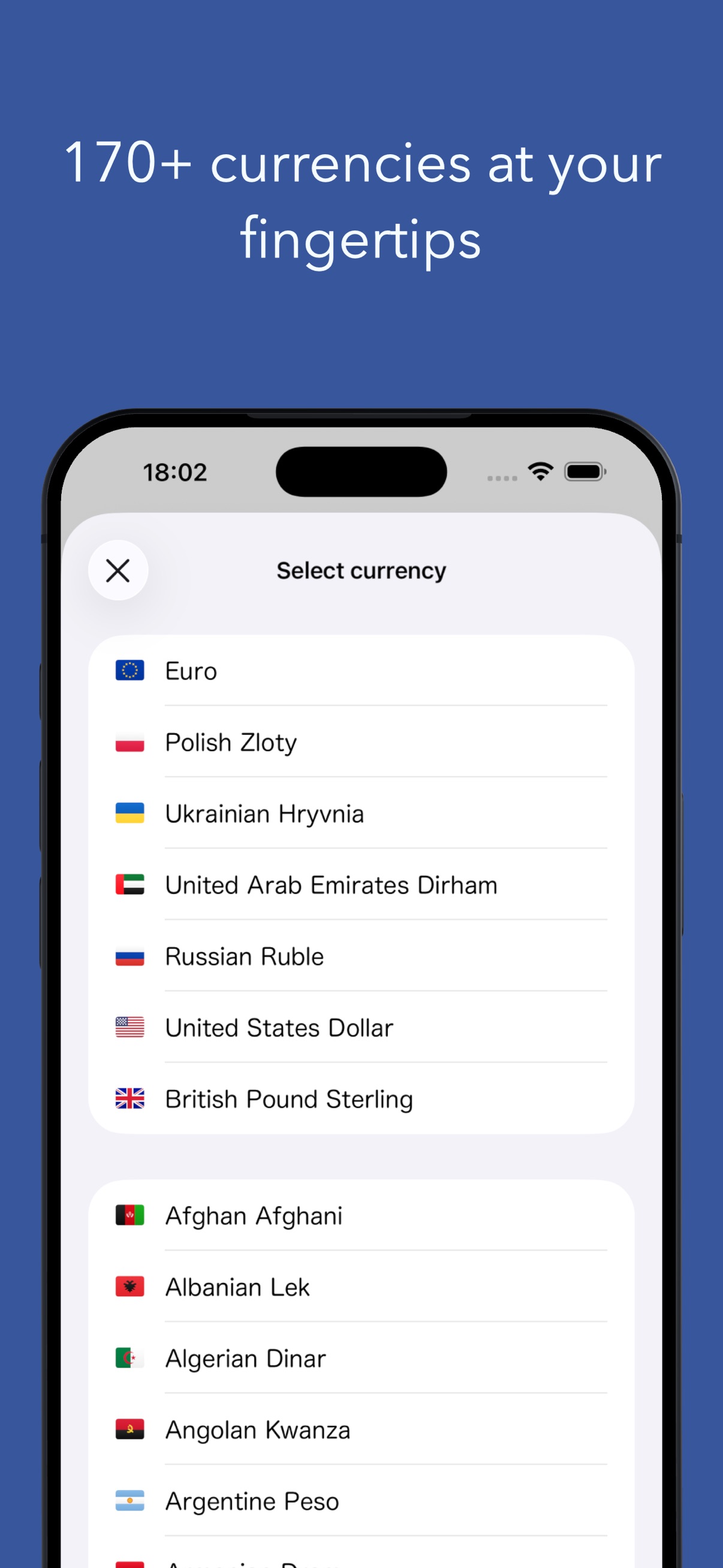
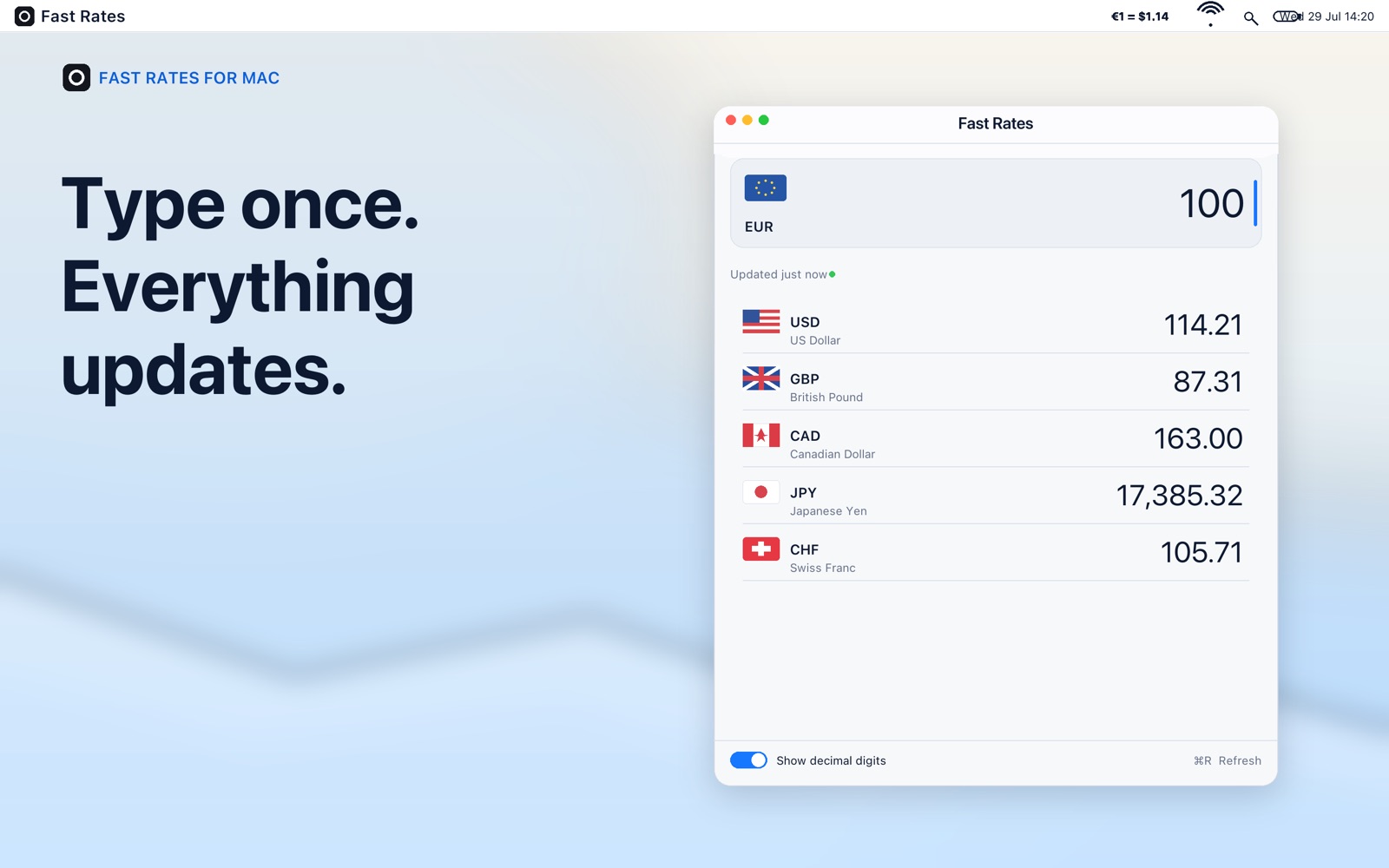
Enter an amount once. Change currencies by selecting their flags, choose any row as your base and drag rows into the order you prefer.

For travel, shopping and everyday sums
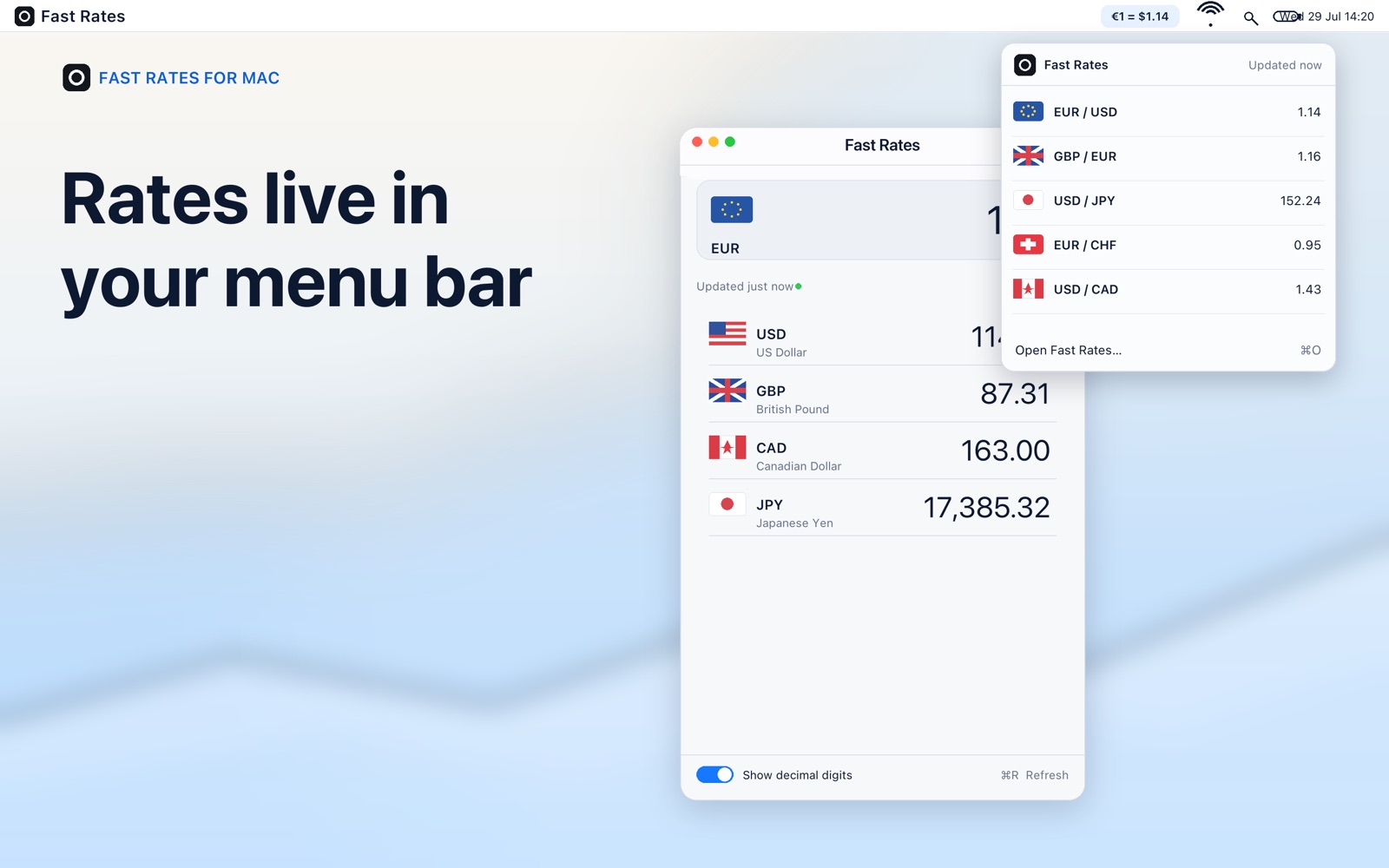
Type a price and see it in the currencies you follow. Keep converting with saved rates on a flight or a train. On Mac, keep your main pair in the menu bar.
Free to download. Optional Premium. Separate App Store editions for iPhone/iPad and Mac.
Less tapping, clearer prices
Enter an amount once. Change currencies by selecting their flags, choose any row as your base and drag rows into the order you prefer.
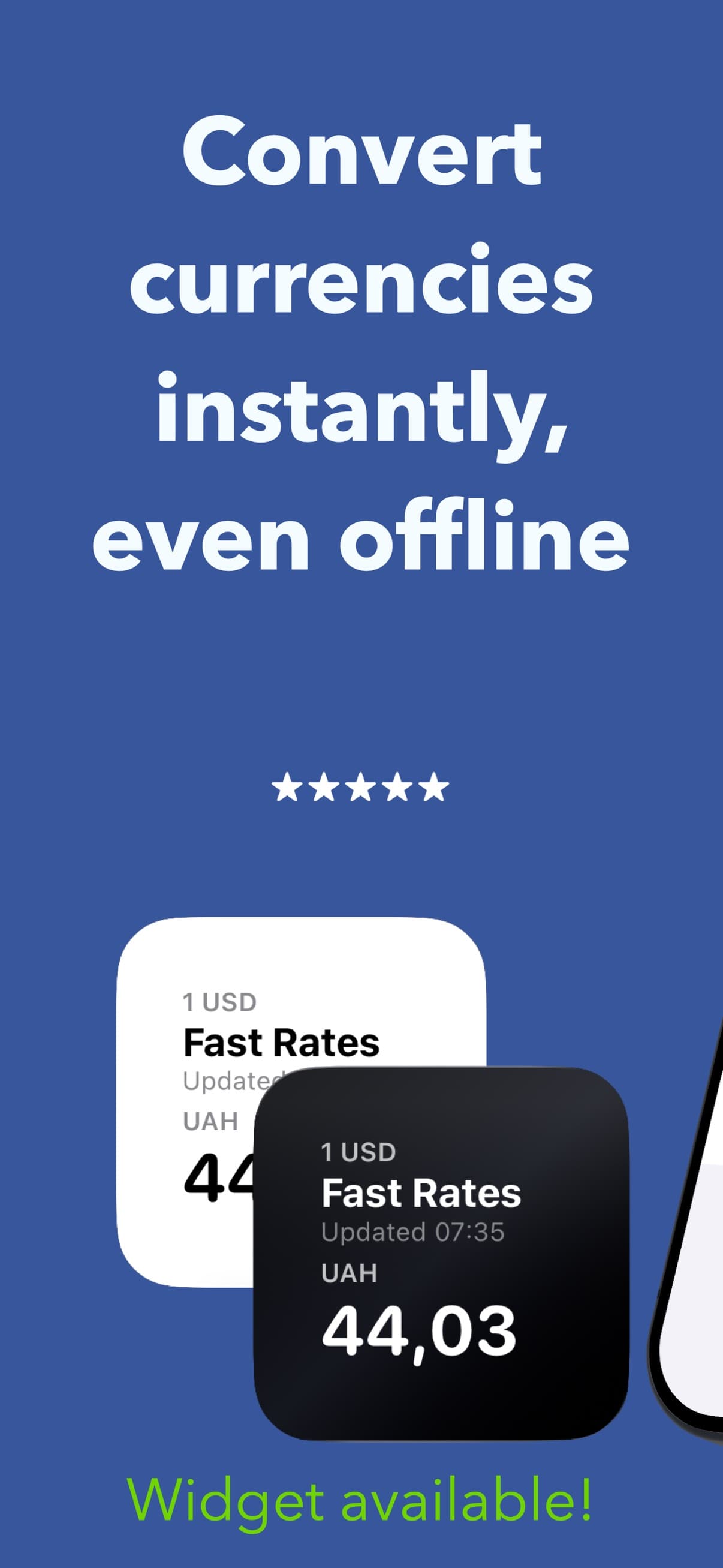
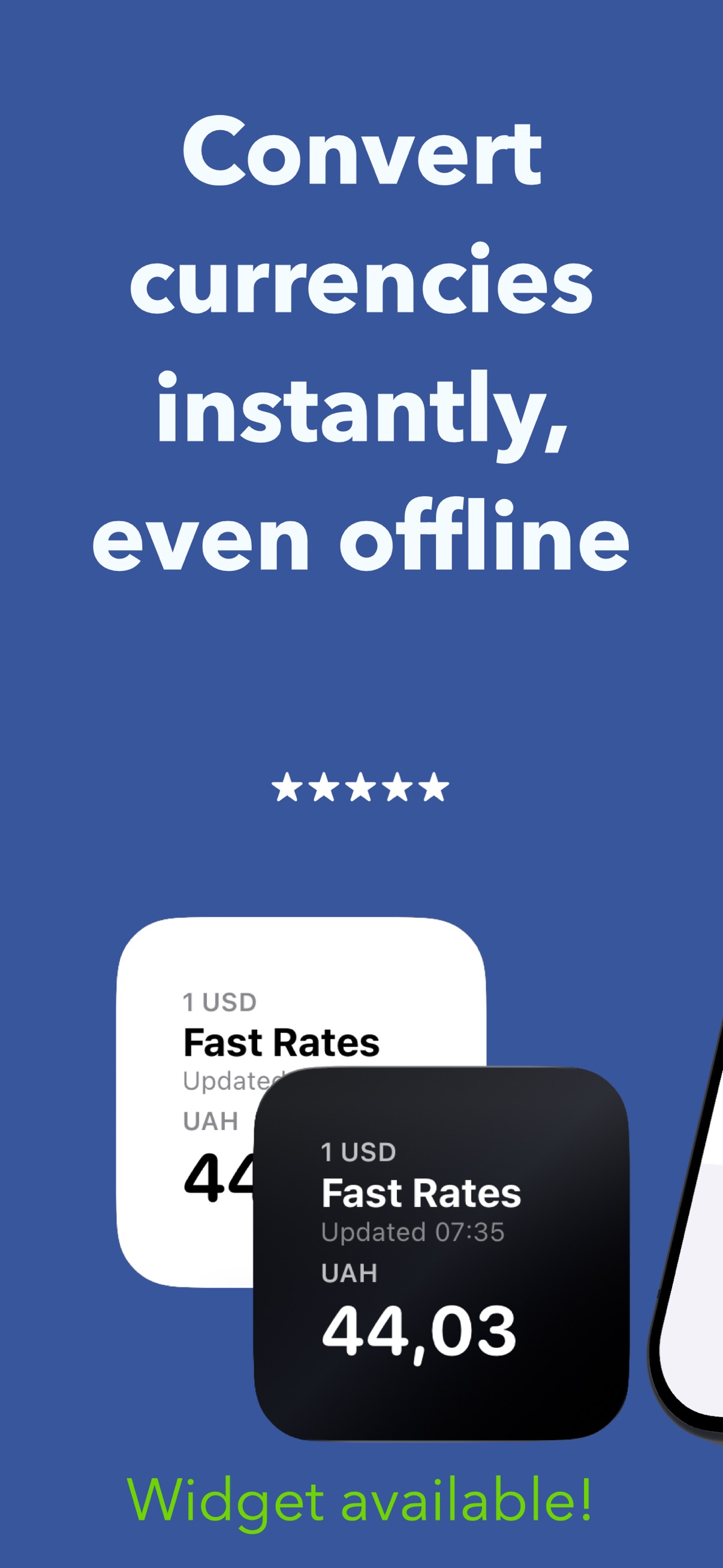
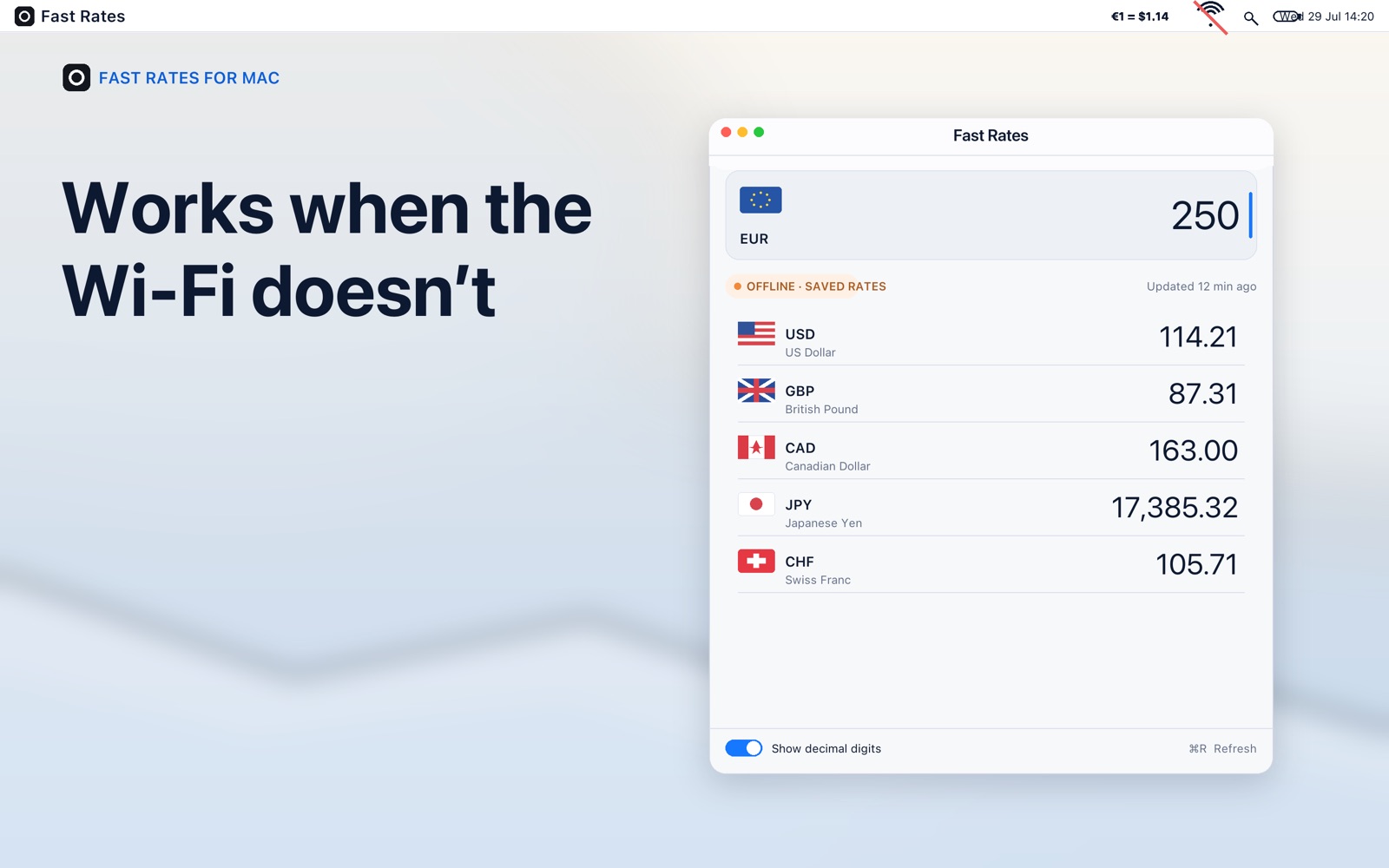
Download rates while connected, then use the saved values wherever you are. Open the app online to refresh them.
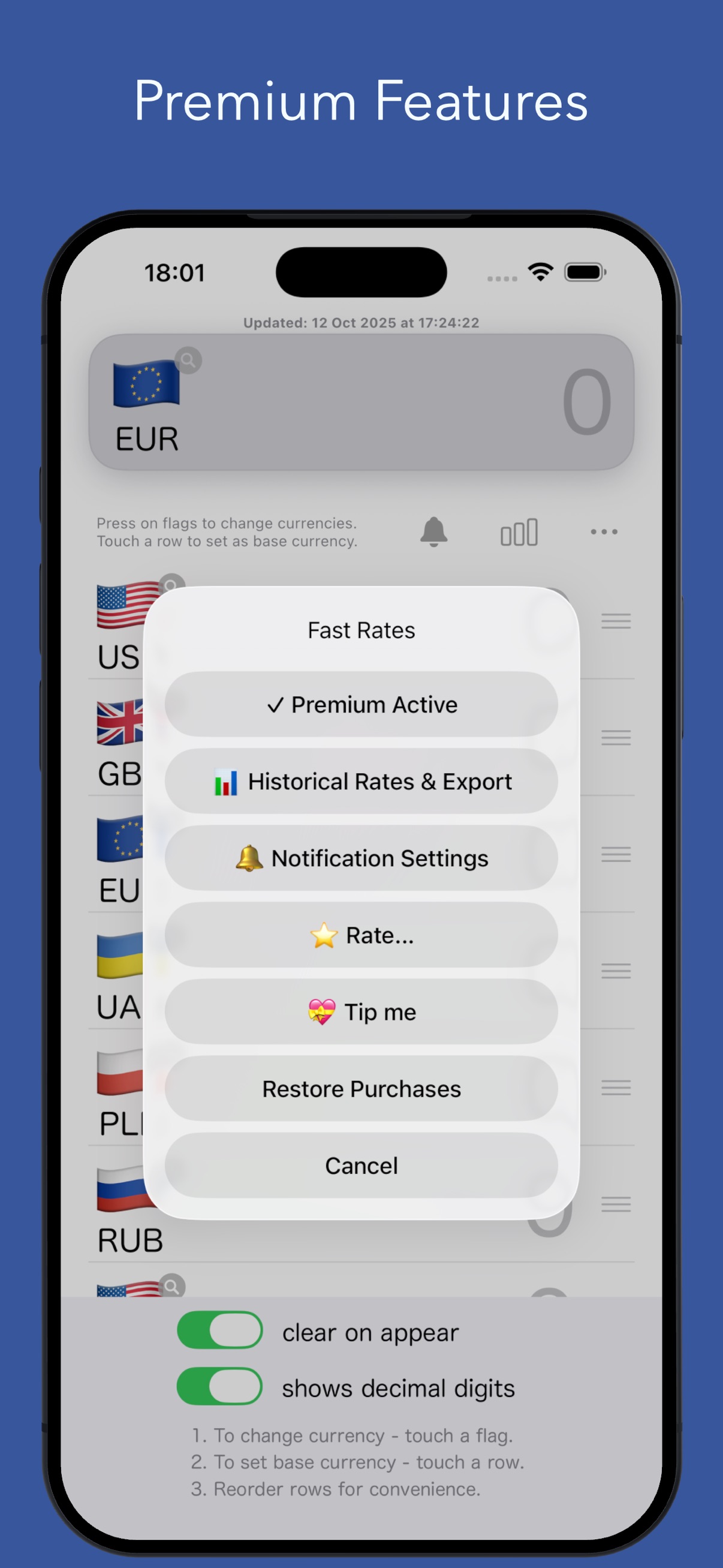
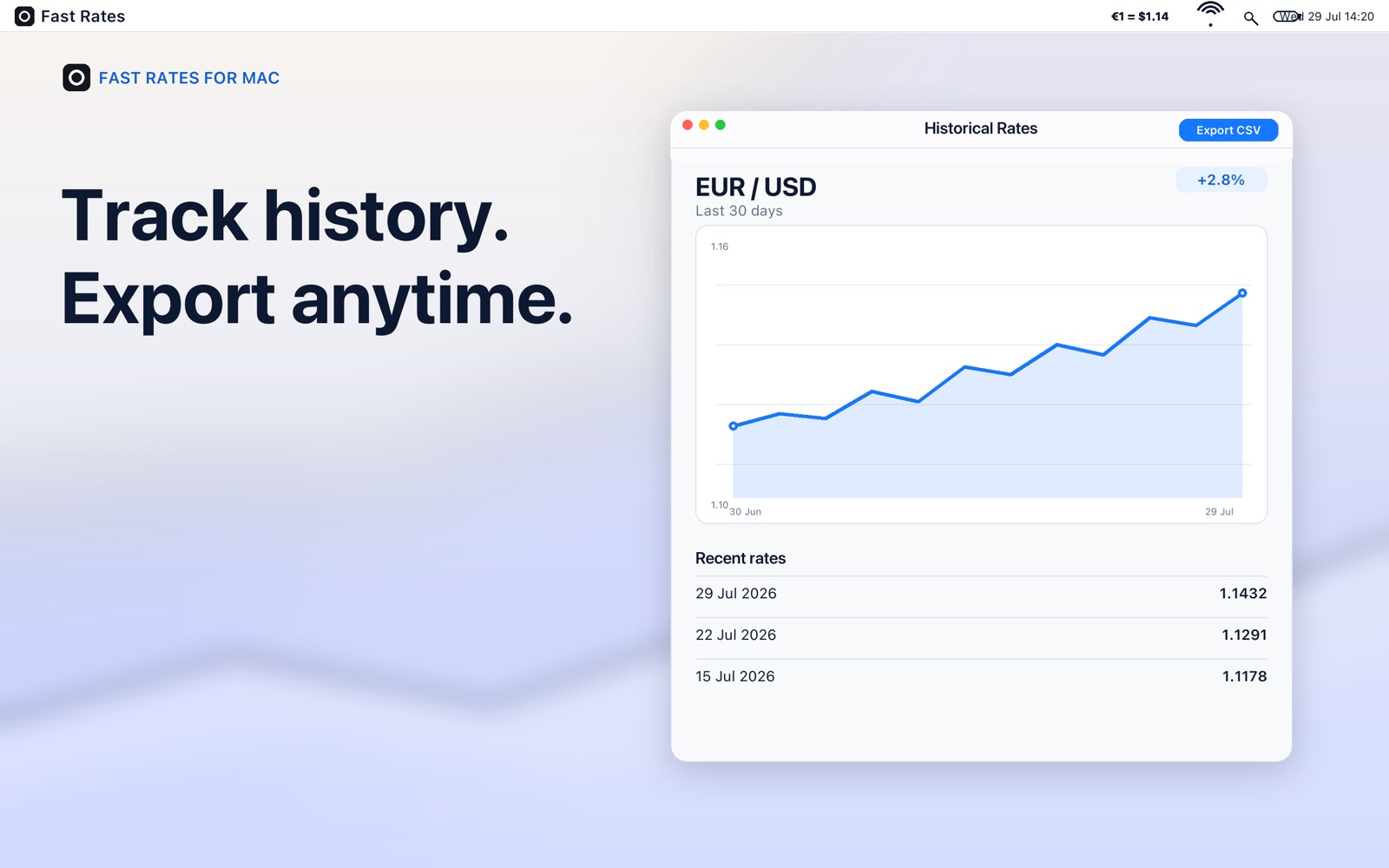
Premium adds charts from your saved rate history, CSV export and alerts when checked currency pairs move beyond your chosen threshold.
Ready for your next price
Select a flag to change a currency. Put your most useful currencies at the top.
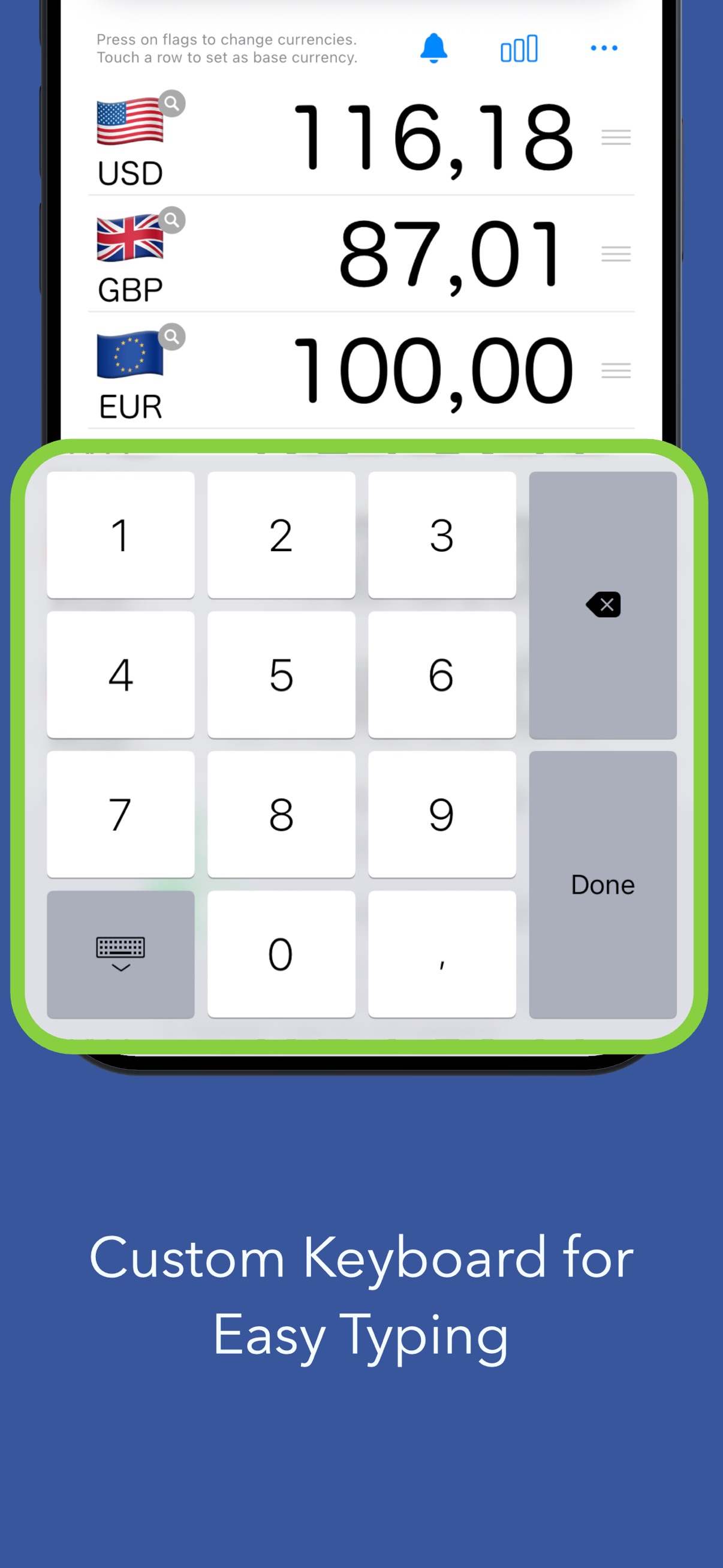
Select the base currency, then type. The other rows update immediately.
Once downloaded, rates remain available offline. Premium adds Home Screen widgets on iPhone/iPad and more menu bar pairs on Mac.
Start with three currencies
Convert using 3 currency slots and your last downloaded rates offline. On Mac, follow one pair in the menu bar.
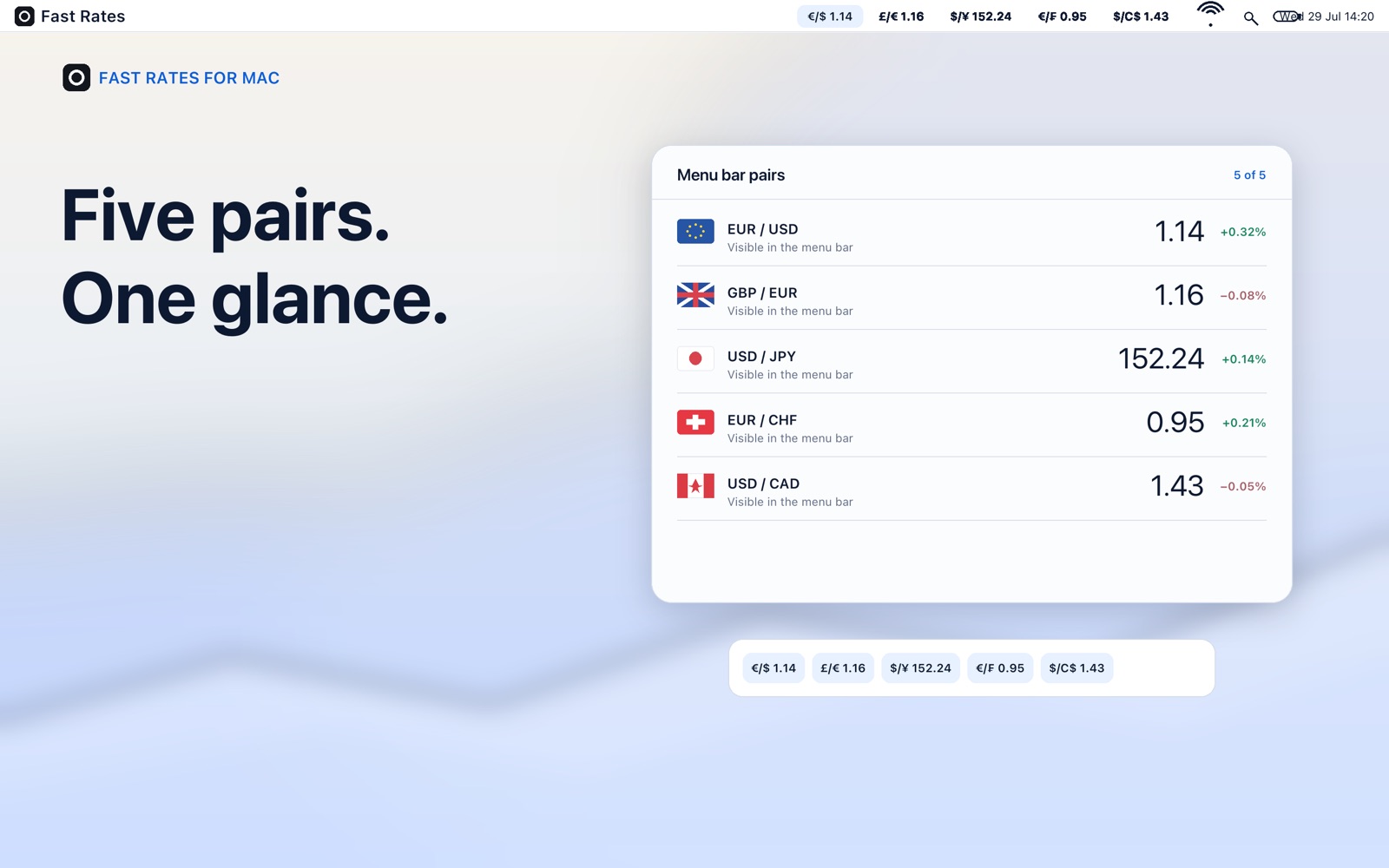
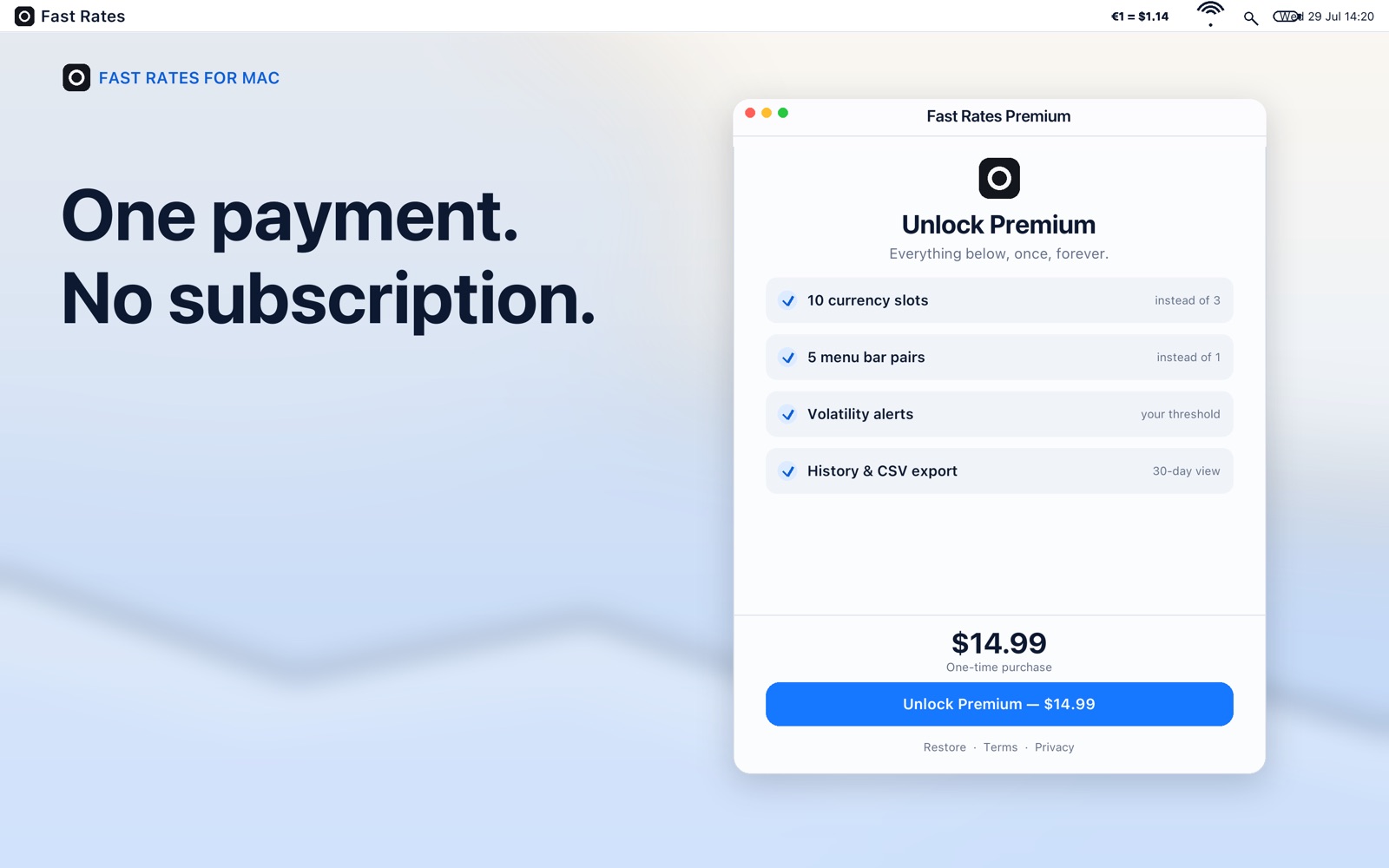
Unlock up to 10 currency slots, volatility alerts, historical charts and CSV export. Add widgets on iPhone/iPad or follow up to five menu bar pairs on Mac.
Available plans, prices and purchase terms appear in the app. The Mac and iPhone/iPad editions have separate App Store listings. Restore Purchases is in the More menu.
Inside Fast Rates
Screenshots from the English App Store listings, checked on 29 October 2026. Select an image to open it at full size.

Using Fast Rates
These answers are also available offline in the app’s More menu, and in Help on Mac.
Contact supportType an amount in the main field. Fast Rates converts it into the currencies shown below as you type. Tap or click a currency row to make it the base currency.
Tap or click a flag to choose a different currency. Drag rows to reorder them. Free includes 3 currency slots; Premium unlocks up to 10.
Yes, after rates have been downloaded at least once. Fast Rates saves the latest downloaded rates on your device and uses them without an internet connection. Reconnect and open the app to refresh them.
Fast Rates downloads rates from Frankfurter. The app stores the downloaded values for conversions and refreshes them when it checks for updates online. Rates are reference values; your bank or exchange service may use different rates and fees.
Rates are not a real-time market feed. The date on the conversion screen shows when Fast Rates last downloaded rates, not the time of a market trade. Offline conversions keep using the last saved values.
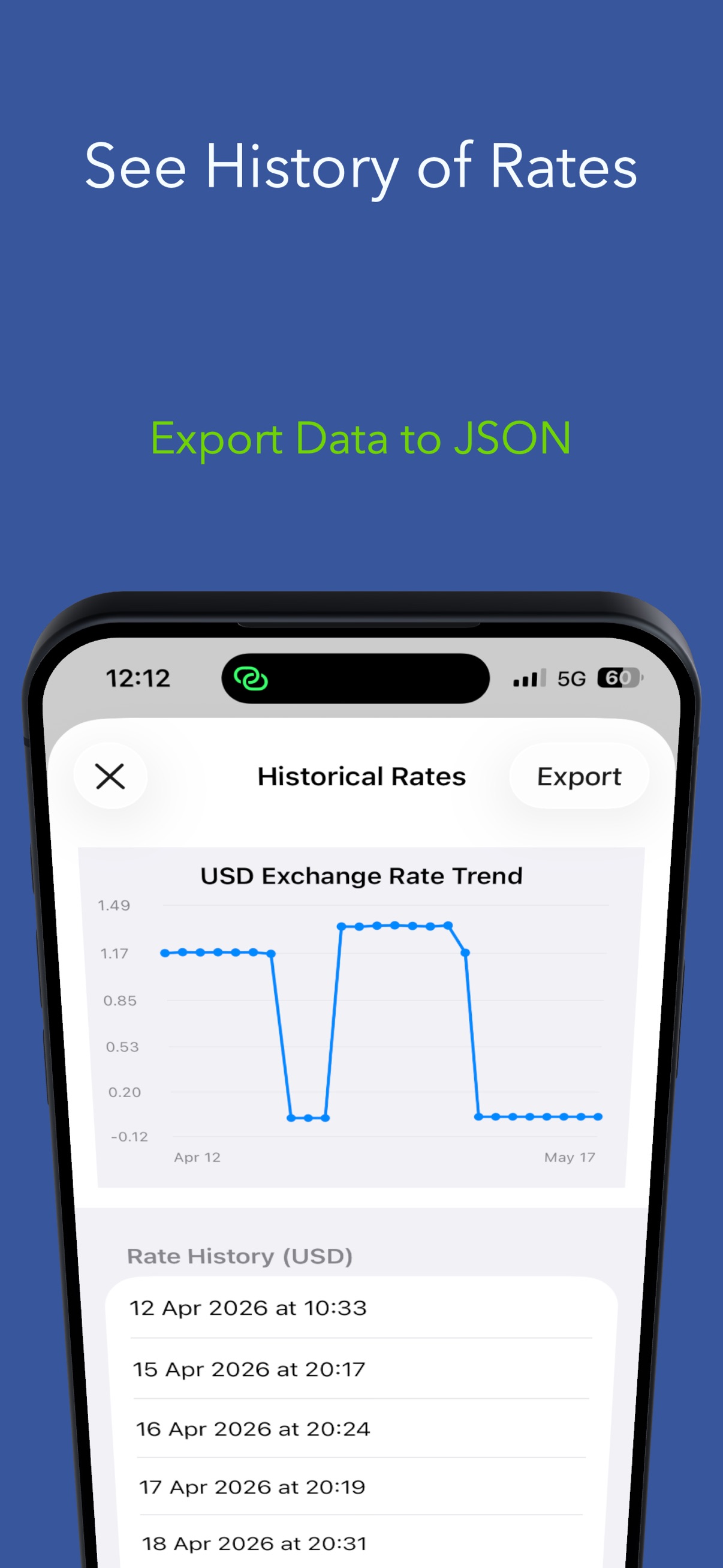
History is built from rates saved on this device, with at most one snapshot per day. Open the app online on different days to build it up. It does not download a complete archive of past rates. Historical charts require Premium.
Open Historical Rates & Export from the More menu, select the currency pair, then use the export button to share a CSV file. Export uses the history saved on this device and requires Premium.
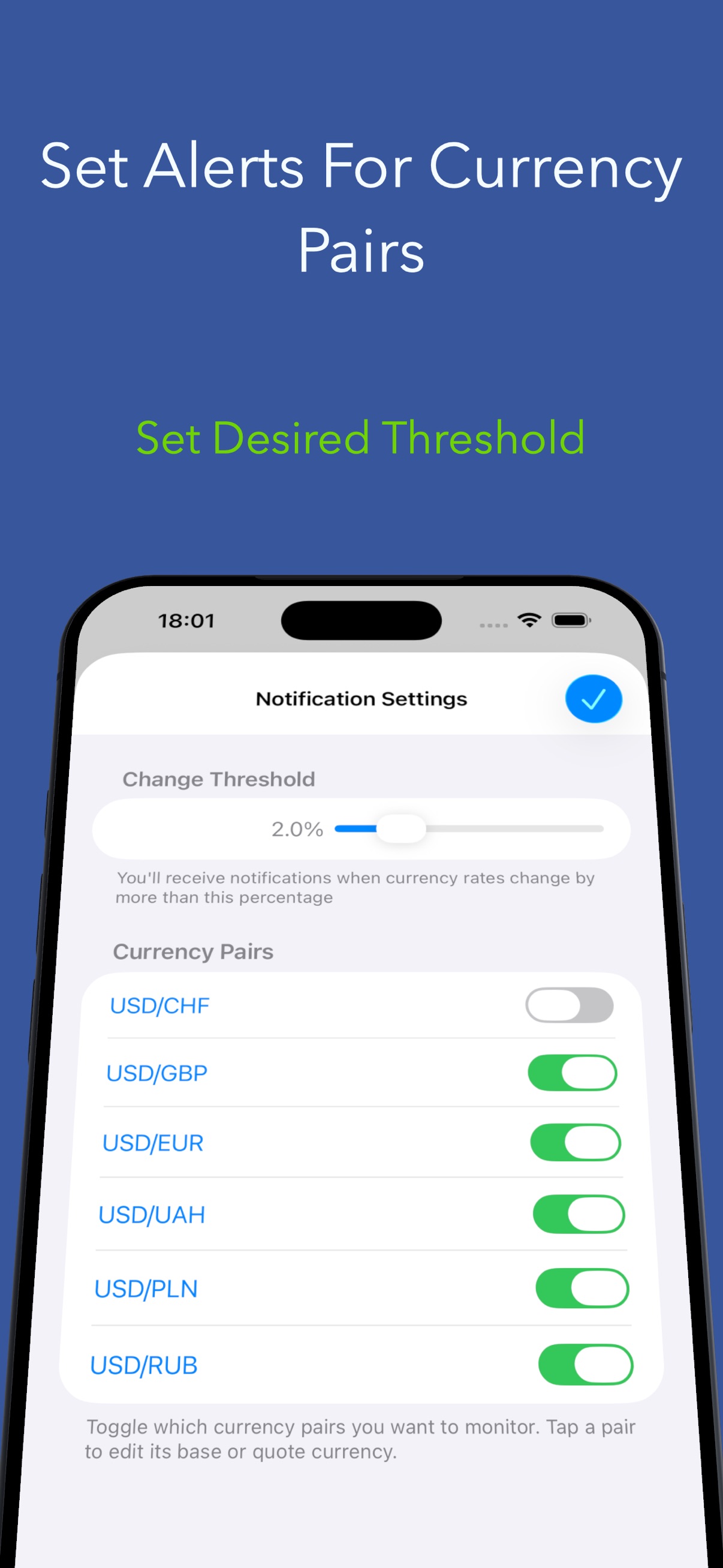
With Premium, open Volatility Alerts, choose the currency pairs to monitor and set a percentage threshold. An alert can be sent when a checked rate changes beyond that threshold between updates. Allow notifications in system settings.
Check Premium access, notification permission, enabled currency pairs and the percentage threshold. The app needs new rates to detect a change. Background checks are scheduled by the system, so alerts do not provide continuous market monitoring.
Touch and hold the Home Screen, choose Edit and Add Widget, then search for Fast Rates. Widgets require Premium. Open the app online first so it can share saved rates with the widget. The system controls widget refresh timing.
Open the More menu and choose Restore Purchases while signed into the Apple Account used for the purchase. On Mac, Restore Purchases is also in the Fast Rates app menu. An internet connection is needed to check your purchase.
The Mac and iPhone/iPad editions have separate App Store listings. Do not assume a purchase on one listing unlocks the other. Use Restore Purchases in the edition where you bought Premium; contact support if access is still missing.
If you bought a subscription, manage or cancel renewal in your Apple Account subscriptions in system settings. A lifetime purchase has no recurring renewal. The purchase screen shows which type of plan you are choosing.
Know what that price means
Available for iPhone, iPad and Mac.